
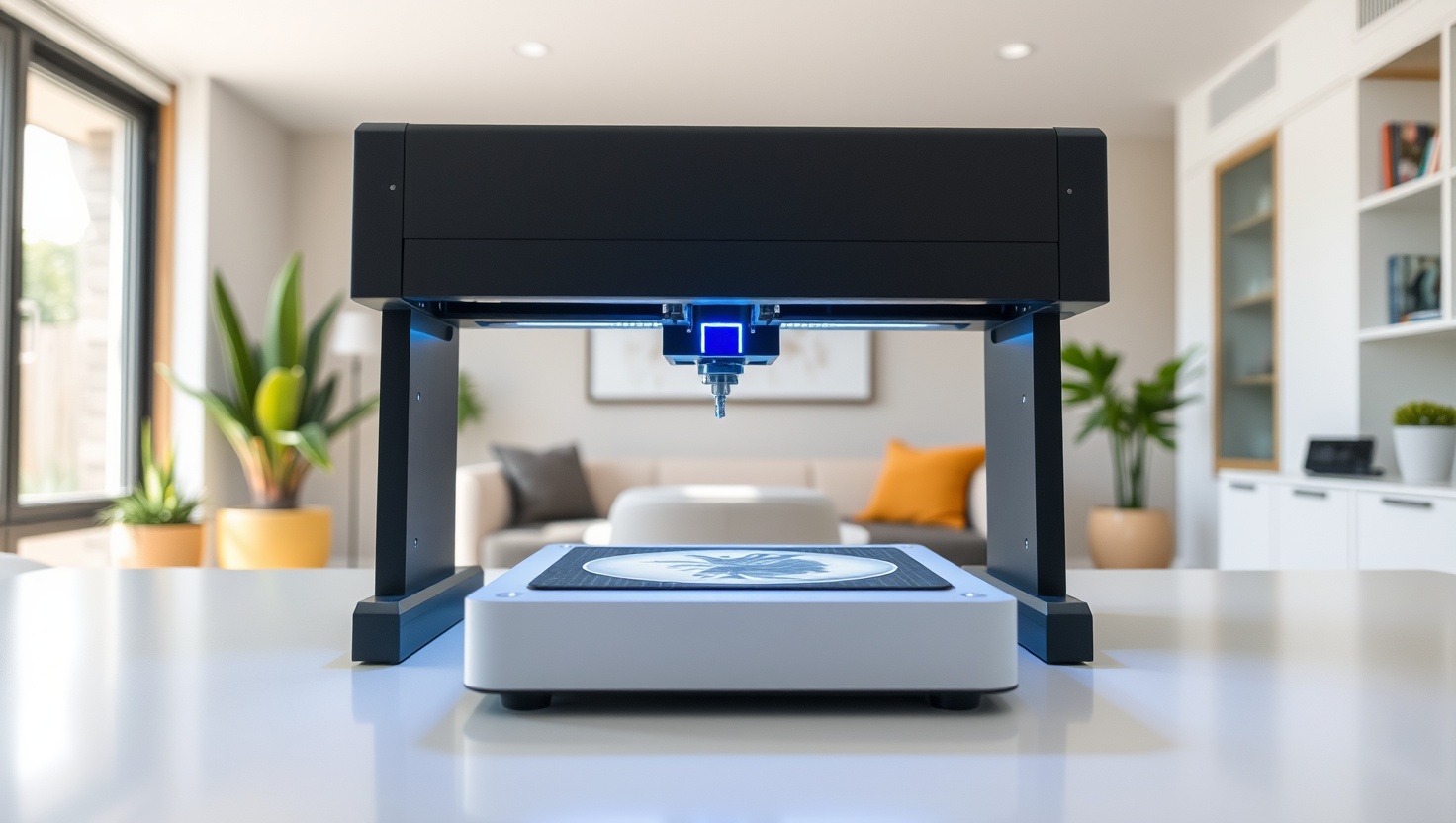
You want to turn raw materials into finished products at home, and a laser engraver makes it real. The trick is picking the right kind before you spend a cent.
xTool P2 — Top Pick
Enclosed for safety, powered by CO2 for real cutting muscle, and guided by beginner-friendly software with built-in cameras, the xTool P2 is the best all-round laser engraver for crafts and small business in 2026.
In a hurry? That's our pick. Want the reasoning and the full comparison? Keep reading.
Laser engravers have quietly become one of the best tools for taking back control of what you make and sell. Whether you cut plywood for signs, engrave tumblers for a side hustle, or personalize gifts on demand, the right machine turns your kitchen table into a tiny factory. But the two names that dominate the maker world, xTool and OMTech, take very different roads to get you there, and buying the wrong one means slow work, scorched projects, or a machine that cannot touch the material you actually care about.
The core split is diode versus CO2. Diode lasers are compact, affordable, and brilliant at engraving, while CO2 lasers pack far more raw power for cutting thick wood and acrylic. On top of that sits the question of safety: an enclosed machine protects your eyes and lungs, while an open-frame unit demands laser safety glasses and serious ventilation every single time. Below you get the four machines worth your money, plus a plain-English breakdown of laser type, power, work area, software, and safety so you buy the right one the first time.
Key Takeaways
- Diode lasers engrave beautifully and cost less, while CO2 lasers deliver the raw power to cut thick wood and acrylic fast.
- For the best all-round machine with enclosed safety, easy software, and a built-in camera, the xTool P2 is our top pick.
- Chasing the most CO2 cutting power for your money? The OMTech Laser is the runner-up to beat.
- On a tight budget and mostly engraving? The Atomstack Laser gets you started for less.
- Want open-frame diode value with a bigger work area? The xTool D1 stretches every dollar.
Diode vs CO2: The Choice That Decides Everything
Start with laser type, because it shapes what you can make. A diode laser uses a compact semiconductor to fire a tight blue beam. It is affordable, small enough to sit on a desk, and genuinely excellent at engraving wood, leather, slate, and coated metals. Where it struggles is raw cutting: a diode can slice thin plywood and some acrylics with patience, but ask it to power through thick stock and it slows to a crawl or simply cannot finish the job. If your work is mostly engraving and light cutting, a diode gives you the most capability for the least money.
A CO2 laser works differently. It excites a gas-filled tube to produce an infrared beam that pours far more power into the material, which is why CO2 machines cut thick wood, acrylic, and many other non-metals cleanly and quickly. That power is the whole reason serious sign makers, acrylic fabricators, and small production shops reach for CO2. The trade-off is size, cost, and the need for proper cooling and ventilation. If cutting is central to what you sell, CO2 is the honest answer, and the gap in cutting speed over a diode is night and day.
Then there is work area and materials. A larger bed lets you engrave bigger boards, tumblers, and batches of small items in one pass, which matters the moment you turn a hobby into orders. Match the machine to your materials too: nearly every laser here handles wood, leather, and acrylic, but engraving bare metal, cutting thick stock, or working odd shapes narrows the field fast. Know what you plan to make before you buy, because a machine that cannot touch your chosen material is just a heavy paperweight.
Safety, Software, and the Camera That Saves You Hours
Safety is not optional with any laser, and it is the single biggest reason we lean toward enclosed machines. A fully enclosed engraver traps the beam, shields your eyes, and channels smoke to an exhaust port, so you can run it in a spare room without turning your workspace into a hazard. An open-frame machine has no such shield. Every time it fires, you must wear laser safety glasses rated for that exact wavelength, and you must vent the fumes outdoors or through a proper filter, because engraving and cutting release smoke you do not want to breathe. Treat glasses and ventilation as mandatory gear, not accessories, whichever machine you choose.
Software is where a good machine feels effortless and a bad one feels like a fight. The best platforms let you import a design, position it, set power and speed, and hit go without wrestling with menus. A built-in camera changes the game entirely: it shows you a live view of the bed so you can drop your artwork exactly where you want it on the material, no guesswork, no ruined pieces from misalignment. That single feature saves hours across a busy week of orders and dramatically cuts wasted material. When you compare machines, weigh the software and camera as heavily as the laser itself, because they decide how many good pieces you finish per hour, and how many you scrap.
Finally, think about ventilation and daily workflow together. Even an enclosed machine needs its exhaust routed somewhere sensible, ideally out a window or into a dedicated filter. Plan that setup before the machine arrives so you are not scrambling on day one. A little forethought on airflow, safety glasses, and a clear workspace turns a laser from an intimidating tool into a reliable little production line you actually enjoy running.
Quick Comparison
| Product | Best For | Laser Type | Safety | Strength |
|---|---|---|---|---|
| xTool P2 | Overall pick | Enclosed CO2 | Fully enclosed | Ease + camera + software |
| OMTech Laser | Cutting power value | CO2 tube | Enclosed cabinet | Raw power per dollar |
| Atomstack Laser | Budget starter | Diode | Open frame (glasses needed) | Low entry cost |
| xTool D1 | Open-frame value | Diode | Open frame (glasses needed) | Large work area |
1. xTool P2 — Best Overall
xTool P2
The xTool P2 is the machine we hand to almost anyone serious about making and selling. It pairs genuine CO2 cutting power with a fully enclosed cabinet, so you get the muscle to slice thick wood and acrylic without turning your room into a hazard. The enclosure shields your eyes from the beam and routes smoke to an exhaust port, which means you can run it indoors with proper ventilation and skip the constant dance with safety glasses that open-frame diodes demand.
What sets it apart is how easy it makes the whole process. The software is genuinely beginner-friendly, and the built-in cameras give you a live view of the bed so you can place your design exactly on the material, even on odd shapes, with almost no wasted pieces. That combination of enclosed safety, real cutting power, and a camera-guided workflow is why it wins overall. If you want one machine that does nearly everything well and grows with your business, this is it. You still route the exhaust and keep glasses handy for open runs, but daily life with the P2 is smooth.
Pros
- Fully enclosed cabinet protects your eyes and contains smoke
- Genuine CO2 power cuts thick wood and acrylic quickly
- Beginner-friendly software that makes setup painless
- Built-in cameras let you place designs precisely and waste less material
- Excellent all-rounder that scales from hobby to small business
Cons
- Costs more than open-frame diode machines
- Larger footprint needs dedicated bench space
- Still requires proper exhaust ventilation routed outdoors
2. OMTech Laser — Best Cutting Power Value
OMTech Laser
When your work lives or dies on cutting power, the OMTech Laser makes a strong case. OMTech built its reputation on CO2 machines that deliver serious wattage for the money, so you get the raw muscle to power through thick wood and acrylic without paying flagship prices. For sign makers, acrylic fabricators, and anyone whose orders are mostly cutting rather than fine engraving, that power-per-dollar is the whole appeal, and it cuts noticeably faster than any diode here.
The trade-off is polish. OMTech machines lean more industrial than plug-and-play, so expect a slightly steeper setup, more hands-on tuning, and software that feels less hand-holding than the xTool ecosystem. The cabinet is enclosed, which keeps the beam contained, but you still need to route ventilation carefully and respect every safety step. If you are comfortable getting a little technical and you want the most cutting capability your budget can buy, the OMTech rewards you with power that punches well above its price.
Pros
- Outstanding CO2 cutting power for the price
- Cuts thick wood and acrylic far faster than any diode
- Enclosed cabinet contains the beam during operation
- Great fit for cutting-heavy sign and acrylic work
- Strong value for small production shops on a budget
Cons
- More industrial setup and tuning than plug-and-play rivals
- Software is less beginner-friendly than xTool's
- Needs careful ventilation and diligent safety habits
3. Atomstack — Best Budget Starter
Atomstack Laser
If you want to find out whether laser crafting is for you without a big outlay, the Atomstack Laser is the friendly on-ramp. It is a compact diode machine that engraves wood, leather, slate, and coated surfaces well, and it handles light cutting on thin materials. For the price of a nice weekend away, you get a real, capable tool that can turn out personalized gifts and small products right away, which makes it a smart first step into the hobby.
Being an open-frame diode, it asks more of you on safety. There is no enclosure, so you must wear laser safety glasses rated for its wavelength every single time it fires, and you must set up proper ventilation to clear the smoke. Its diode also lacks the punch to cut thick stock, so it is an engraver first and a light cutter second. Go in with clear eyes: as a low-cost way to learn the craft and start making, it delivers, as long as you treat the glasses and airflow as non-negotiable.
Pros
- Very low entry cost to start laser crafting
- Engraves wood, leather, slate, and coated metals well
- Compact and light enough for a small workspace
- Great way to learn the craft before scaling up
- Handles light cutting on thin materials
Cons
- Open frame means laser safety glasses are mandatory every use
- No enclosure to contain the beam or smoke
- Diode lacks the power to cut thick wood or acrylic
4. xTool D1 — Best Open-Frame Value
xTool D1
The xTool D1 is the sweet spot for makers who want a bigger canvas without CO2 prices. It is an open-frame diode with a generous work area, so you can engrave larger boards, batches of small items, and oversized pieces that a compact machine cannot fit. It plugs into xTool's friendly software ecosystem, which makes it easier to live with than many bargain diodes, and it engraves wood, leather, acrylic, and coated metals cleanly for the money.
Because it is open frame, safety is on you. Wear laser safety glasses rated for its wavelength on every run, and vent the fumes outdoors or through a proper filter, since there is no cabinet to trap the beam or smoke. Like all diodes, it engraves better than it cuts, so thick stock is not its strength. But if you want the largest, most flexible diode work area at a fair price and you are diligent about glasses and ventilation, the D1 stretches your budget further than almost anything else here.
Pros
- Large work area for bigger boards and batch jobs
- Friendly xTool software makes it easy to use
- Strong value for a capable open-frame diode
- Engraves wood, leather, acrylic, and coated metals cleanly
- Great step up in size without CO2 pricing
Cons
- Open frame requires laser safety glasses every single use
- No enclosure to contain the beam or route smoke
- Diode power limits cutting on thick materials
Which Should You Choose?
Pick the xTool P2 if you want one machine for everything
If you split your time between engraving and cutting and you want the safest, easiest path to finished products, the xTool P2 is the clearest choice. The enclosed cabinet protects your eyes and contains smoke, the CO2 laser gives you real cutting power, and the built-in cameras and beginner-friendly software mean you place designs precisely and waste almost nothing. It is the best balance of power, safety, and ease on this list, and it grows with your business.
Pick the OMTech Laser if cutting power rules everything
Mostly cutting thick wood and acrylic, and comfortable getting a little technical? The OMTech Laser gives you the most CO2 cutting power per dollar, so orders that are heavy on cutting fly through far faster than any diode could manage. You trade some software polish and plug-and-play ease for raw capability, and that is a smart trade if cutting is the core of what you make and sell.
Pick a diode if you are starting out or working big on a budget
New to laser crafting or watching your spend? The Atomstack Laser is a low-cost way to learn the craft and start engraving right away. Want a larger canvas and friendlier software without CO2 prices? The xTool D1 gives you a big open-frame work area at a fair price. Both are open frame, so commit to laser safety glasses and proper ventilation on every run, and they will serve you well as engravers.
Ready to Build Your Own Little Factory?
The xTool P2 gives you enclosed safety, genuine CO2 cutting power, and camera-guided software that keeps waste low and output high. Check current pricing and see why it tops our xTool vs OMTech matchup for 2026.
Explore Brainstamped's Free ToolsFrequently Asked Questions
For most beginners, the xTool P2 is the friendlier machine. Its enclosed cabinet handles safety for you, the software is genuinely easy to learn, and the built-in cameras help you place designs perfectly the first time. OMTech makes excellent, powerful CO2 machines, but they lean more industrial and expect you to be comfortable with setup and tuning, which suits makers who already know their way around a laser.
It comes down to power and cost. A diode laser is compact and affordable and excels at engraving wood, leather, and coated metals, but it struggles to cut thick material. A CO2 laser uses a gas tube to pour far more power into the work, so it cuts thick wood and acrylic cleanly and fast. Diode is best for engraving on a budget, while CO2 is the answer when serious cutting is central to what you make.
Yes, always. Open-frame machines like the Atomstack and xTool D1 require laser safety glasses rated for their exact wavelength every single time they fire, plus proper ventilation to clear the smoke. Even enclosed machines like the xTool P2 need their exhaust routed outdoors or through a filter, since engraving and cutting release fumes you should not breathe. Treat glasses and airflow as mandatory gear, never as optional extras.
For a small crafting or product business, the xTool P2 is our top pick because it combines enclosed safety, real CO2 cutting power, and a camera-guided workflow that keeps waste low and output high. If your orders are cutting-heavy and you want maximum power for less, the OMTech Laser is the strong runner-up. Both scale well beyond hobby use, so match the choice to whether you cut or engrave more.
A CO2 machine like the xTool P2 or OMTech Laser can cut thick wood and acrylic cleanly and quickly, which is exactly why serious makers choose CO2. A diode laser such as the Atomstack or xTool D1 can slice thin plywood and some acrylics with patience, but it cannot power through thick stock the way CO2 can. If cutting thick material is central to your work, choose a CO2 laser from the start.