
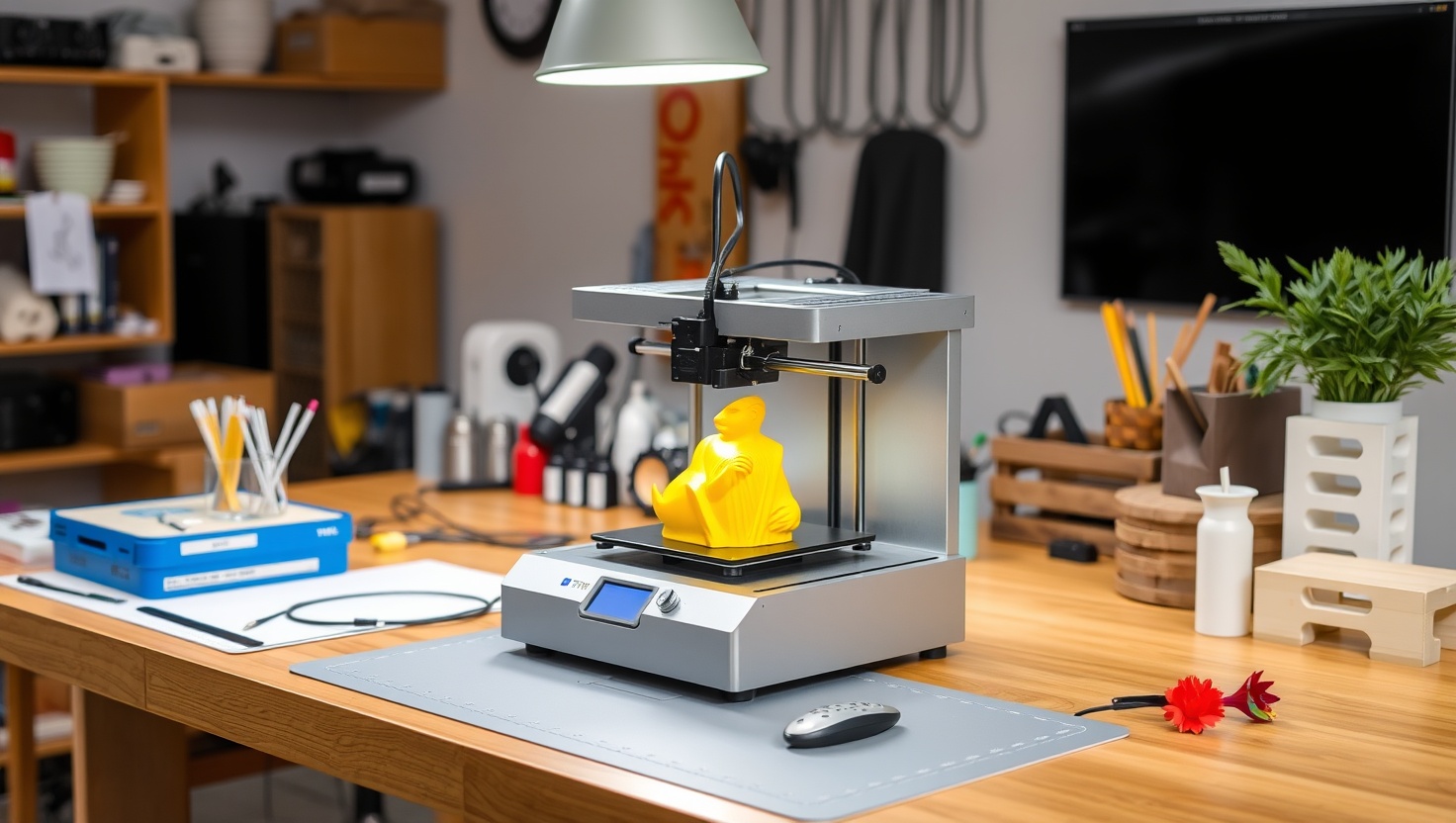
You want a 3D printer that prints, not a weekend project that fights you. In 2026, you can finally have that.
Bambu Lab A1 — Top Pick
It's the rare printer that's easy enough for a first-timer and fast enough for a maker. Full auto calibration means a clean print on day one, and the optional AMS adds four-color printing when you want it. For most people, this is the best balance of ease, speed, and value in 2026.
In a hurry? That's our pick. Want the reasoning and the full comparison? Keep reading.
For years, buying a 3D printer meant signing up for a hobby you didn't ask for: leveling beds by hand, tuning temperatures, and chasing spaghetti-shaped failures across the print bed. That era is over. The best machines today calibrate themselves, print fast, and hand you a clean part on your very first try.
So which one do you actually buy? We tested the tradeoffs that matter for real people: how much tinkering you'll do, how big you can print, whether you want color, and whether you need an enclosed frame. Below you'll find four printers that earn their spot, plus a clear pick for most beginners and makers.
Key Takeaways
- The Bambu Lab A1 is our top pick for most people, near plug-and-play with auto calibration and optional multi-color.
- Auto bed leveling is the single feature that separates a smooth start from a frustrating one, prioritize it.
- Build volume decides what you can make, bigger isn't always better if you only print small parts.
- Enclosed printers (like the P1S) handle tougher materials and hold heat, open frames stay simpler and cheaper.
- You can start printing for under $250 or step up to color and speed, match the machine to how much you want to tinker.
3D Printing in 2026: Here's What Actually Changed
Almost every printer on this list uses FDM, which stands for Fused Deposition Modeling. In plain English: a nozzle melts a strand of plastic filament and lays it down layer by layer until your part takes shape. It's the most affordable, forgiving, and popular way to print at home, and it's what you want as a beginner or a maker who builds functional parts.
The big shift is automation. Auto bed leveling used to be a luxury, now it's the baseline. The machine probes the bed itself, measures the tiny height differences, and compensates so your first layer sticks every time. That one feature kills the most common reason beginners quit. Modern flow calibration and vibration compensation also let these printers run several times faster than the machines from just a few years ago, without wrecking quality.
Two more decisions shape your choice. First, enclosed versus open: an enclosed printer traps heat, which you need for stronger engineering materials like ABS, and it dampens sound. An open frame stays cheaper, cooler, and perfectly happy printing PLA, the everyday material most people use. Second, multi-color: some machines pair with an AMS (Automatic Material System) that feeds several filaments so you can print in four colors from one nozzle.
Ease vs. Tinkering: Be Honest About Which One You Are
Here's the fork in the road. Some people want the machine to disappear so they can focus on what they're making. Others genuinely enjoy tweaking, upgrading, and understanding every part of the process. Neither is wrong, but buying the wrong one for your personality is how printers end up gathering dust in a closet.
If you want it to just work, the Bambu Lab A1 and P1S are built for you. You unbox, run the automated calibration, hit print, and get a clean result. The software holds your hand, and the failures that used to eat entire evenings mostly don't happen. You'll spend your time designing and printing, not diagnosing.
If you want to learn the craft or stretch a tight budget, the Creality Ender-3 V3 and Elegoo Neptune reward curiosity. They're more hands-on, backed by huge communities and endless upgrade guides. You'll understand your machine down to the bolt, and you'll pay far less to get started. Match the printer to the person, and you'll actually keep using it.
Quick Comparison
| Product | Best For | Auto Leveling | Build Volume | Enclosed |
|---|---|---|---|---|
| Bambu Lab A1 | Most people | Yes, full auto | 256 x 256 x 256 mm | No (open) |
| Bambu Lab P1S | Step-up makers | Yes, full auto | 256 x 256 x 256 mm | Yes |
| Creality Ender-3 V3 | Budget & learning | Yes, auto | 220 x 220 x 250 mm | No (open) |
| Elegoo Neptune | Big-build value | Yes, auto | 255 x 255 x 280 mm | No (open) |
1. A1 — Best Overall for Most People
Bambu Lab A1
The A1 is the printer we hand to friends who've never printed before, and it's the one seasoned makers keep for quick, reliable jobs. You take it out of the box, let it run its automated calibration, and it dials in bed leveling, flow, and vibration on its own. Your first print looks like a tenth print, which almost never used to happen at this price.
It's genuinely fast, so prototypes and everyday parts come off the bed in a fraction of the time older machines needed. Add the optional AMS lite and you unlock four-color printing without babysitting filament swaps. For the overwhelming majority of people, this is the sweet spot of ease, speed, and value. Check current price and see why it's our top pick.
Pros
- Near plug-and-play, prints cleanly on day one
- Fully automatic calibration removes the biggest beginner headache
- Very fast without sacrificing print quality
- Optional AMS adds four-color printing
- Excellent software and active support community
Cons
- Open frame limits it mostly to PLA and PETG
- AMS multi-color is an added cost
- Larger footprint than some compact rivals
2. P1S — Best Enclosed Step-Up
Bambu Lab P1S
The P1S is what you buy when you've outgrown PLA and want to print stronger, more heat-resistant materials like ABS and ASA. Its fully enclosed chamber traps heat so those trickier filaments don't warp or crack mid-print. That same enclosure cuts noise and keeps dust off your parts, which matters if the printer lives in a shared room.
You keep all the auto calibration and speed that make Bambu machines so easy, just wrapped in a tougher, more capable body. Makers building functional prototypes, brackets, and parts that need to survive real-world stress will feel the difference. If the A1 is your first printer, the P1S is the one you graduate to. Check current price to see the step-up cost.
Pros
- Enclosed chamber unlocks ABS, ASA, and other tough materials
- Faster than most printers in its class
- Full auto calibration keeps setup painless
- Quieter and cleaner thanks to the enclosure
- AMS-compatible for multi-color prints
Cons
- Costs noticeably more than open-frame options
- Overkill if you only print PLA
- Enclosure adds size and weight
3. Ender-3 V3 — Best Budget & Learning Printer
Creality Ender-3 V3
The Ender-3 line is the printer that taught a whole generation how 3D printing works, and the V3 modernizes it with auto leveling and faster speeds. If you want to actually understand your machine, or you're starting on a tight budget, this is the classic tinkerer's choice. Nearly every problem you could hit already has a video, a forum thread, and a printable fix waiting for you.
It asks a little more of you than a Bambu, but that hands-on nature is the point. You'll learn to tune, upgrade, and repair, and you'll spend the least money getting there. For students, hobbyists, and anyone who enjoys the process as much as the product, it's an easy recommendation. Check current price and start learning for less.
Pros
- Lowest entry price on this list
- Auto leveling smooths out the classic pain point
- Enormous community and upgrade ecosystem
- Great way to genuinely learn how printing works
- Reliable for everyday PLA parts
Cons
- More hands-on than the plug-and-play options
- Open frame limits material range
- Slower and less polished than premium rivals
4. Neptune — Best Big-Build Value
Elegoo Neptune
If you want to print big without spending big, the Elegoo Neptune is the value play. Its taller, roomier build volume lets you make larger models, cosplay pieces, and multi-part projects in fewer runs, and it does it at a friendly price. Auto leveling keeps the first layer honest, so you get a lot of printer for the money.
It sits in the sweet middle: more hands-on than a Bambu, but easier and more capable than bare-bones budget machines. Elegoo's community and support are solid, and the extra build height genuinely expands what you can attempt. For makers who prize size and value over polish, it's a smart buy. Check current price to see how far your budget stretches.
Pros
- Generous build volume for larger prints
- Strong price-to-size value
- Auto leveling for a dependable first layer
- Helpful community and solid support
- Great for cosplay and big multi-part projects
Cons
- Open frame limits tougher materials
- More tinkering than premium plug-and-play printers
- Fit and finish trail higher-end machines
Which Should You Choose?
Which 3D printer should a total beginner buy?
Get the Bambu Lab A1. Its full auto calibration means you unbox it, run the setup, and print a clean part the same day, no manual bed leveling and no temperature guesswork. You'll spend your energy making things instead of troubleshooting. If your budget is tight and you enjoy learning by doing, the Creality Ender-3 V3 is the honest runner-up.
Do I need an enclosed printer?
Only if you plan to print tougher materials like ABS or ASA, which need trapped heat to avoid warping. For everyday PLA and PETG parts, an open frame like the A1 or Neptune is perfect and cheaper. Choose the enclosed P1S when you're printing functional parts that must survive heat and stress, or when you want quieter, cleaner operation in a shared space.
Is multi-color printing worth it?
It's a fun, high-impact upgrade if you print models, signs, or gifts where color sells the piece. Pair a Bambu A1 or P1S with the AMS and you get four colors from one nozzle without swapping filament by hand. If you mostly print functional single-color parts, skip it for now and save the money, you can always add an AMS later.
Ready to print your first part today?
Skip the frustration of hand-leveling and failed prints. The Bambu Lab A1 calibrates itself, prints fast, and hands you a clean result on day one, whether you're a total beginner or a busy maker. Check current price and start creating the same day it arrives.
Explore Brainstamped's Free ToolsFrequently Asked Questions
FDM stands for Fused Deposition Modeling. A heated nozzle melts plastic filament and lays it down layer by layer to build your object from the bottom up. It's the most affordable and beginner-friendly printing method, and it's what every printer on this list uses. PLA is the easiest filament to start with.
It's the single most important feature for a smooth start. The printer measures the tiny height differences across the bed and compensates automatically, so your first layer sticks and your print succeeds. Manual leveling is the number one reason beginners get frustrated and quit, so every printer we recommend includes automatic leveling.
Match build volume to what you make. Most everyday parts, minis, and household fixes fit easily in a 256 x 256 mm bed like the Bambu A1. If you print large cosplay pieces or big models, the taller Elegoo Neptune gives you more room. Bigger machines cost more and take up more space, so don't overbuy.
Yes. Pair a Bambu Lab A1 or P1S with an AMS (Automatic Material System) and it feeds up to four filaments through one nozzle, switching colors automatically. It's ideal for decorative models and gifts. Single-nozzle machines can still swap colors manually mid-print, but the AMS makes true multi-color printing effortless.
The Creality Ender-3 V3 gives you the lowest entry price plus modern auto leveling, and it's backed by the biggest community in 3D printing. You'll learn how everything works and find a fix for any problem online. If you can stretch your budget, the Bambu Lab A1 offers a far smoother, near plug-and-play experience.