
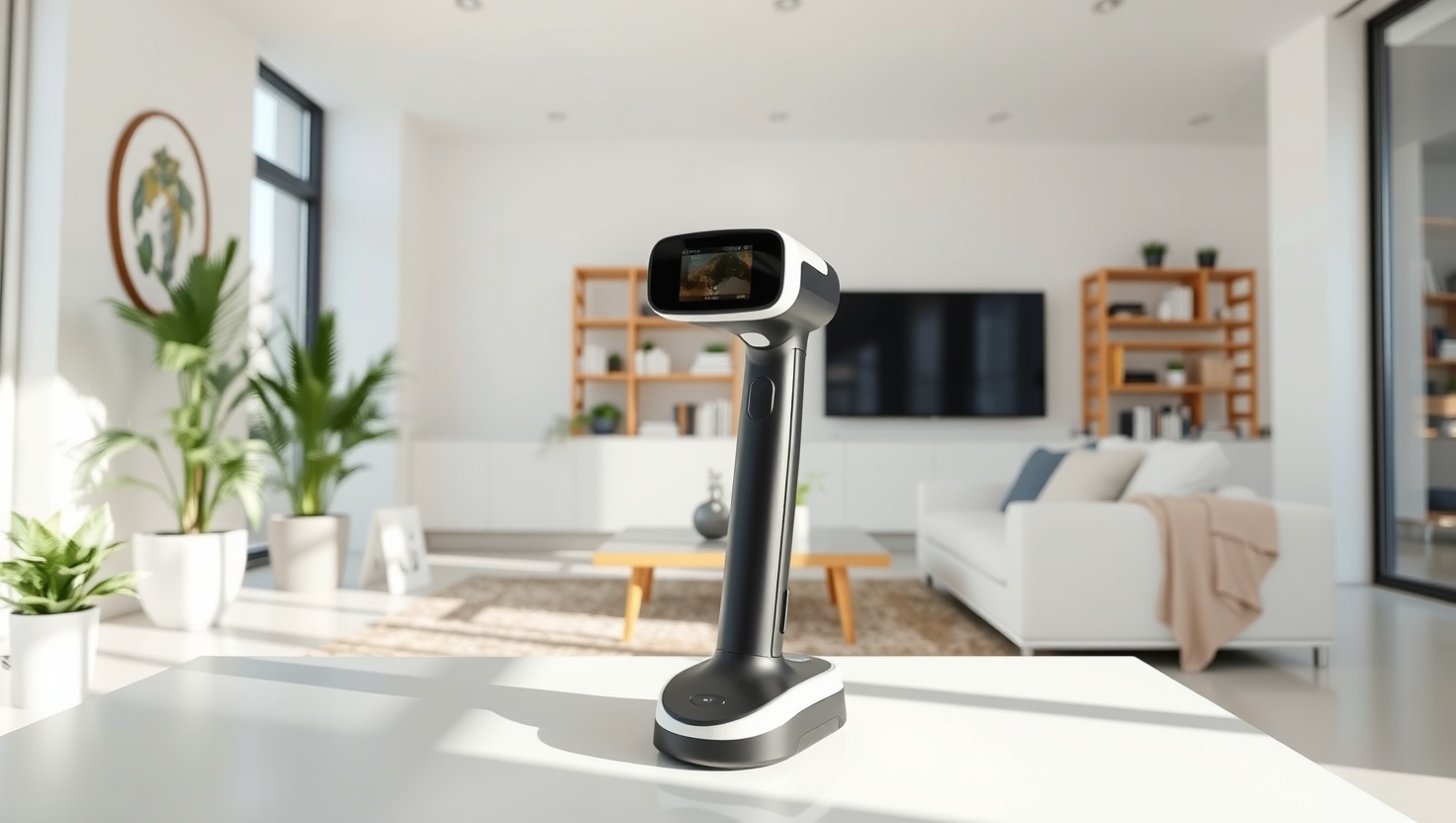
You have a part in your hand and a printer on your desk, but no way to bridge them. A good 3D scanner is that bridge.
Revopoint 3D Scanner — Top Pick
With high accuracy, fine resolution, flexible handheld and turntable modes, and genuinely beginner-friendly software, the Revopoint 3D Scanner is the best all-around scanner for makers and reverse engineering in 2026.
In a hurry? That's our pick. Want the reasoning and the full comparison? Keep reading.
The dream is simple: point a device at a real object, and a few minutes later you have a clean digital model you can edit, print, or reverse engineer. For years that dream lived in industrial labs with five-figure price tags. In 2026 it fits on your desk and in your hand. Modern structured-light and laser scanners hit accuracy measured in microns, capture fine surface detail, and export straight to the mesh formats your CAD and slicer software already understand.
The catch is that no single scanner does everything. A tiny handheld built for capturing a jewelry piece will struggle with a car door, and a rig tuned for large objects will waste its resolution on a coin. Accuracy, capture volume, light source, and how the thing handles shiny or dark surfaces all pull in different directions. Below you get the four scanners worth your money right now, plus a plain-English breakdown of the specs that actually decide whether your scan comes out clean or comes out a mess.
Key Takeaways
- A scanner's real usefulness depends on matching its accuracy and capture volume to the size of the objects you actually scan.
- For most makers, the Revopoint 3D Scanner is our top pick: high accuracy, flexible handheld and turntable modes, and beginner-friendly software.
- Want the strongest value without cutting corners? The Creality 3D Scanner delivers serious capture quality for less.
- Need something you can toss in a bag and scan anywhere? The POP 3D Scanner is the most portable pick.
- Scanning big items like furniture, sculptures, or vehicle panels? The Einstar 3D Scanner is built for large objects.
How to Read a 3D Scanner Spec Sheet (Without Getting Fooled)
Start with accuracy and resolution, because they decide whether your model is usable. Accuracy, usually quoted in microns (thousandths of a millimeter), tells you how close the scan is to the real object's true dimensions. That number matters most for reverse engineering, where a part has to mate with something else. Resolution is different: it describes how fine a detail the scanner can capture, like the texture of a print or the edge of an engraving. A scanner can be accurate but low-resolution, or detailed but slightly off in scale, so read both figures and match them to your work. Prototyping a bracket needs tight accuracy; capturing a decorative sculpture needs high resolution.
Next comes the light source. Most modern desktop and handheld units use structured light, which projects a pattern onto the object and reads the distortion with a camera. It is fast, safe for the eyes, and great for detail, but bright environments and glossy surfaces can throw it off. Laser scanners handle certain reflective and darker surfaces better and often reach further, at the cost of speed and simplicity. For the maker crowd, structured light is the default sweet spot. Whatever the tech, know its weakness: shiny, transparent, or very dark surfaces confuse almost every scanner, which is why you keep a can of matte scanning spray on the bench to dust them before you capture.
Then think about capture volume and object size. Every scanner has a range of sizes it does well, from tiny parts a few centimeters across up to whole rooms. Push past that range and you either lose detail or spend forever stitching passes together. Handheld modes let you walk around large or fixed objects, while a turntable automates smooth, repeatable scans of small items you can pick up. Many of the best scanners do both, which is why flexibility, not raw specs, often decides the winner for a home workshop.
Software, Surfaces, and Learning Curve: The Stuff Reviews Skip
The scanner is only half the tool; the software is the other half. After capture you have a raw point cloud that has to be turned into a watertight mesh, cleaned of noise, and exported as an STL, OBJ, or PLY your slicer or CAD program can read. Good software does this quickly with sensible defaults and forgiving auto-alignment, so a beginner gets a printable model on the first try. Weaker software leaves you fighting holes, drift, and failed merges. Before you buy, look at how the bundled app handles fusing multiple scans and how cleanly it exports, because that workflow is where most of your time actually goes.
Surfaces and learning curve are where reality bites. Matte, light-colored, textured objects scan beautifully; glossy, transparent, or jet-black ones fight you, and the fix is a light dusting of scanning spray rather than a better scanner. Expect a genuine learning curve too. Your first scans will have gaps and warps while you learn steady hand speed, good lighting, and the right distance. That is normal, and it fades fast with practice. When you pick a scanner, weigh how much hand-holding you want: a forgiving unit with strong tracking and clear guidance will get a newcomer to clean results far sooner than a more capable but fussier machine. The best scanner is the one you will actually get good with.
Quick Comparison
| Product | Best For | Tech | Strength | Portability |
|---|---|---|---|---|
| Revopoint 3D Scanner | Overall pick | Structured light | Accuracy + easy software | Excellent |
| Creality 3D Scanner | Best value | Structured light | Quality per dollar | Very good |
| POP 3D Scanner | On-the-go scanning | Structured light | Compact + light | Outstanding |
| Einstar 3D Scanner | Large objects | Structured light | Big capture volume | Good |
1. Revopoint — Best Overall
Revopoint 3D Scanner
The Revopoint is the scanner we hand to almost anyone getting serious about capturing real objects. It threads the needle better than anything else in 2026: high accuracy that holds up for reverse engineering, resolution fine enough for detailed models, and both handheld and turntable modes so you can scan a fixed sculpture or a small part with equal ease. Just as important, the bundled software is genuinely approachable, with strong tracking and forgiving alignment that gets beginners to a clean mesh fast.
That flexibility is the star. Drop a small item on the turntable for a smooth automated capture, then pick the scanner up and walk around something too big to spin. When you are done, the app fuses your passes into a watertight model and exports straight to STL or OBJ for your slicer or CAD tool. Pair it with matte scanning spray for shiny surfaces and you have a machine that handles the vast majority of a home workshop's jobs without drama. If you want one scanner that does nearly everything well, this is it.
Pros
- High accuracy that holds up for reverse-engineering work
- Fine resolution captures detail cleanly on textured objects
- Both handheld and turntable modes for flexible scanning
- Beginner-friendly software with strong tracking and easy alignment
- Exports straight to STL and OBJ for printing and CAD
Cons
- Shiny, dark, or clear surfaces still need scanning spray first
- There is a real learning curve before your scans come out clean
- Very large objects push beyond its ideal capture range
2. Creality — Best Value
Creality 3D Scanner
The Creality 3D Scanner is the smart-money pick. It delivers genuinely strong capture accuracy and solid resolution for noticeably less than the flagship units, which makes it the easy recommendation when you want quality scans without maximum spend. Coming from a brand that already lives in the maker world, it pairs naturally with a 3D printer workflow, and it offers both handheld and turntable modes so you are not giving up flexibility to hit a lower price.
You trade a little of the top-end polish and the fastest, most forgiving software experience, but you keep the part that matters most: clean, printable models. If your budget is finite and you would rather put your money into scanning capability than into premium extras, the Creality stretches every dollar further than the competition. It is the natural companion for anyone who already owns a printer and wants to close the loop between real objects and digital files.
Pros
- Outstanding accuracy and resolution for the price
- Handheld and turntable modes for versatile capture
- Pairs naturally with an existing 3D printing workflow
- Clean mesh export for slicers and CAD
- Great entry point into scanning without overspending
Cons
- Software is capable but less polished than pricier rivals
- Reflective and dark surfaces still require scanning spray
- Large objects sit outside its comfort zone
3. POP — Best Portable
POP 3D Scanner
When you need to scan away from your bench, the POP 3D Scanner makes the case. Its compact, lightweight body slips into a bag and pulls out ready to capture in the field, at a client's site, or across the workshop from your computer. Despite the small size it delivers fine detail on small and medium objects, so you are not sacrificing quality for the convenience of carrying it anywhere.
That portability is exactly the point. Handheld tracking lets you walk around an object, and the compact form makes tight angles and awkward spaces easier to reach than with a bulkier rig. It leans toward smaller and medium-sized objects rather than furniture-scale work, but within that range it captures crisp, printable detail. If you scan in more than one place, or simply want a grab-and-go tool that lives in your bag, the POP is built for you.
Pros
- Compact, lightweight body that travels anywhere
- High detail capture on small and medium objects
- Handheld tracking reaches tight angles with ease
- Quick to set up and start scanning in the field
- Exports clean meshes for printing and modeling
Cons
- Better suited to smaller objects than large ones
- Glossy and dark surfaces still need scanning spray
- Smaller capture volume than desktop-focused rigs
4. Einstar — Best for Large Objects
Einstar 3D Scanner
When the thing you need to scan is big, the Einstar 3D Scanner answers. Its wide field of view and large capture volume let you walk around furniture, sculptures, vehicle panels, or even a full person and stitch it all into one model without endless tiny passes. Handheld tracking keeps its bearings across broad, feature-rich surfaces, which is exactly what large-object scanning demands.
You trade some of the fine-detail focus of the small-object scanners for that reach, but that is the right trade when scale is your problem. For makers moving into bigger reverse-engineering jobs, prop making, or scanning large parts to modify and reprint, the Einstar covers ground the compact units simply cannot. Pair it with good lighting and matte spray on any shiny sections, and it captures large objects faster and more comfortably than trying to force a small-object scanner to do a big job.
Pros
- Large capture volume built for big objects and full bodies
- Wide field of view speeds up scanning large surfaces
- Reliable handheld tracking across broad areas
- Great for prop making and large reverse-engineering jobs
- Exports meshes ready for CAD and printing
Cons
- Less focused on ultra-fine detail than small-object scanners
- Reflective and dark surfaces still need scanning spray
- Overkill and awkward for tiny parts
Which Should You Choose?
Pick the Revopoint if you want one scanner for almost everything
If you scan a mix of small parts and larger fixed objects and you want a forgiving path to clean models, the Revopoint 3D Scanner is the clearest choice. Its high accuracy suits reverse engineering, its fine resolution captures detail, and its handheld-plus-turntable flexibility covers most of what a home workshop throws at it. Add its beginner-friendly software and it is the best all-around pick on this list.
Pick the Creality or POP if value or portability rules
Watching your budget but still want genuinely clean, printable scans? The Creality 3D Scanner delivers the best quality per dollar and pairs naturally with a printer you may already own. Need to scan in more than one place? The POP 3D Scanner is compact enough to live in your bag and grab whenever inspiration strikes. Both keep the results sharp while trimming either cost or size.
Pick the Einstar if you scan large objects
Some jobs are simply too big for a small-object scanner. The Einstar 3D Scanner answers with a wide field of view and large capture volume that handle furniture, sculptures, vehicle panels, and full-body scans without fighting the tool. If your work is trending bigger, it captures scale that the compact units cannot, and it is worth choosing the moment large objects become your norm.
Ready to Turn Real Objects Into Digital Files?
The Revopoint 3D Scanner gives you accurate, detailed captures and software that gets you to a clean, printable model fast. Check current pricing and see why it tops our 2026 list.
Explore Brainstamped's Free ToolsFrequently Asked Questions
For most makers, the Revopoint 3D Scanner is the best 3D scanner in 2026. It combines high accuracy suited to reverse engineering with fine resolution, both handheld and turntable modes, and approachable software that gets beginners to a clean mesh quickly. If you want the best value, the Creality 3D Scanner is the strong alternative.
Structured-light scanners project a pattern onto an object and read its distortion with a camera. They are fast, safe for your eyes, and excellent for detail, which is why most maker scanners use them. Laser scanners often handle certain reflective and darker surfaces better and reach further, but they tend to be slower and more complex. For home and workshop use, structured light is the usual sweet spot.
Glossy, very dark, and clear surfaces confuse almost every scanner because they scatter or absorb the projected light. The standard fix is a light dusting of matte scanning spray, which gives the surface a temporary neutral finish the scanner can read. It wipes or brushes off afterward, and keeping a can on the bench solves most tricky-surface problems.
It helps. Turning a raw point cloud into a clean, watertight mesh and fusing multiple scans is processing-heavy work, so a reasonably modern computer with a decent amount of RAM makes the software feel smooth. Larger, higher-resolution scans demand more, so if you plan to capture big objects at high detail, favor a stronger machine to avoid slow, stuttering merges.
Yes, that pairing is the whole point for most makers. A scanner captures a real object and exports it as an STL, OBJ, or PLY file, which you drop straight into your slicer to print, or into CAD to modify first. That loop lets you copy, repair, or reverse engineer real parts, and it is why the Creality and Revopoint pair so naturally with an existing printing workflow.