
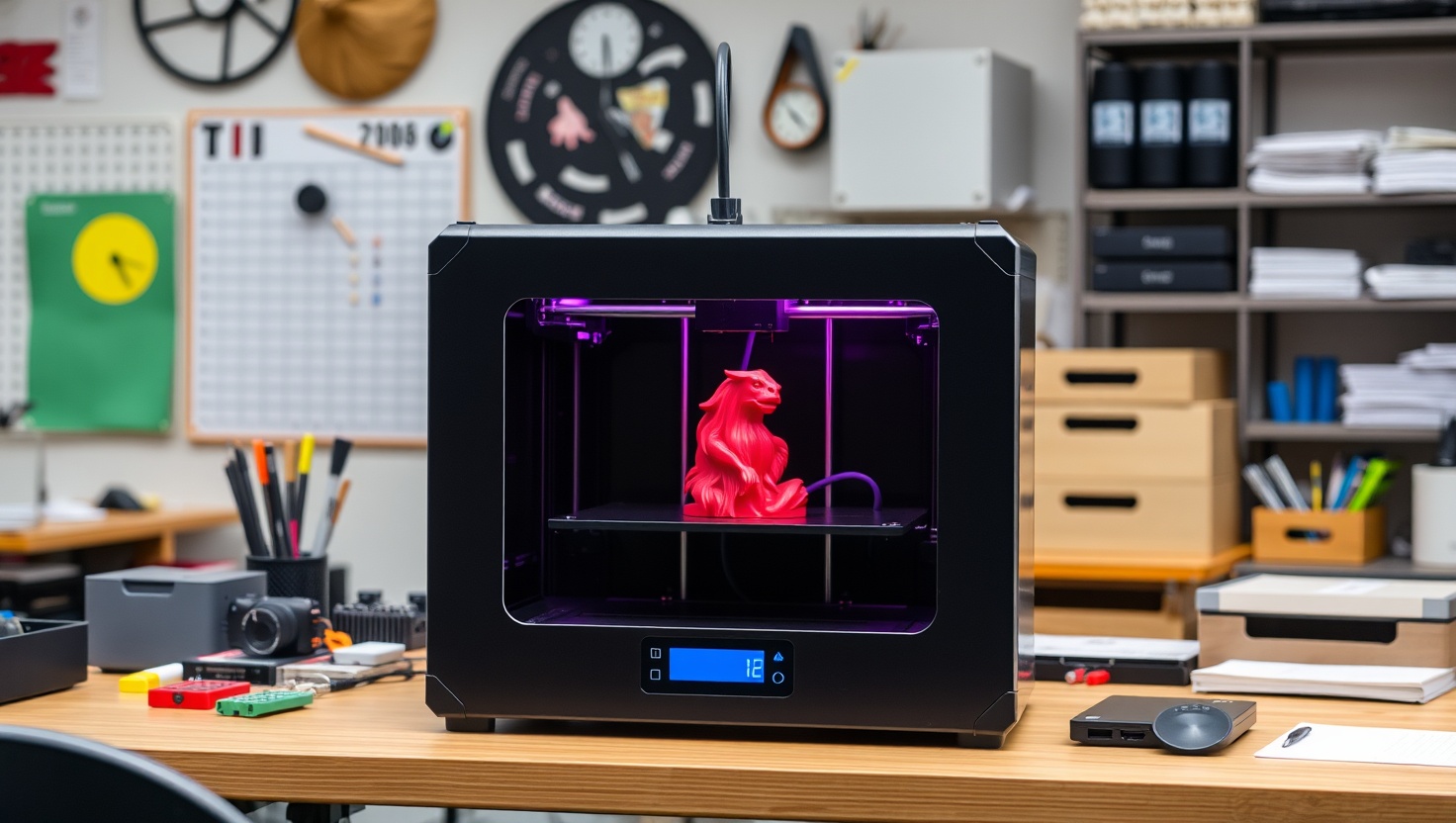
You want prints that just work, not a weekend of tinkering. In 2026, the Bambu vs Creality fight finally gives you both speed and reliability.
Bambu Lab P1S — Top Pick
Fast, fully enclosed, self-leveling, and AMS-ready for multi-color, the Bambu Lab P1S is the best all-around FDM 3D printer for reliable, walk-away prints in 2026.
In a hurry? That's our pick. Want the reasoning and the full comparison? Keep reading.
For years, buying an FDM 3D printer meant choosing between cheap-and-fiddly or expensive-and-still-fiddly. Creality made the hobby affordable and huge, but early machines asked you to level beds by hand and babysit every print. Bambu Lab crashed the party with printers that felt like appliances: enclosed, fast, self-leveling, and ready to print minutes out of the box. Now both brands have leveled up, and the real question is which one fits how you actually want to create.
The honest answer depends on you. Do you want the fastest path to clean, reliable prints and the option to print in full color, or do you want the lowest cost of entry backed by the biggest community and endless upgrades? Below you get the four printers worth your money right now, plus a plain-English breakdown of print speed, enclosed versus open frame, auto-leveling, multi-color, build volume, and upgrade paths so you buy the right one the first time.
Key Takeaways
- Bambu Lab printers win on speed, enclosed reliability, and true out-of-the-box ease with automatic bed leveling.
- For the best all-round FDM printer in 2026, the Bambu Lab P1S is our top pick: fast, enclosed, and AMS-ready for multi-color.
- Want the best budget entry with a massive community? The Creality Ender-3 V3 delivers the most bang for your first build.
- Prefer open-frame Bambu value and easy color? The Bambu Lab A1 brings smart features at a lower entry point.
- Need a large budget build platform? The Elegoo Neptune gives you generous volume without breaking the bank.
Speed, Enclosure, and Auto-Leveling: What Actually Matters
Start with print speed, because it changes the whole experience. Older printers crawled along and a detailed model could tie up your machine for a full day. The modern Bambu Lab machines fly, using high-flow hotends and vibration compensation to lay down clean layers several times faster than the classic Creality workflow. Creality has answered with quicker Ender models too, but as a rule Bambu still holds the speed crown out of the box. Faster prints mean you iterate more, waste less filament on failures, and actually finish the projects you start.
Then look at the frame. An enclosed printer, like the Bambu Lab P1S, traps heat and blocks drafts, which is exactly what you need for engineering materials like ABS and ASA that warp badly in open air. It also cuts noise and keeps curious hands and pets away from hot parts. Open-frame printers such as the Ender-3 V3, the Bambu A1, and the Elegoo Neptune cost less, stay cooler for PLA, and are easier to reach into, but you give up that draft-free consistency. If you want to print tough functional parts, an enclosure earns its keep fast.
Auto-leveling is the feature that separates a fun hobby from a frustrating one. A first layer that sticks evenly is the difference between a clean print and a tangled mess, and doing it by hand is where most beginners quit. Every printer here offers some form of automatic bed leveling now, but Bambu's system is the most hands-off: it probes, compensates, and starts printing with almost no input from you. Creality and Elegoo have closed the gap with capable auto-leveling of their own, so nobody on this list forces you back to the paper-and-knob days.
Multi-Color, Build Volume, and the Community Around Your Printer
Multi-color printing is the feature people fall in love with, and here Bambu has a real edge. The AMS (Automatic Material System) lets a Bambu printer swap between filaments mid-print, so you can produce genuine multi-color models without touching a thing. The P1S pairs with the enclosed AMS, and the open-frame A1 works with the AMS lite, so both give you color on demand. Creality and Elegoo can print multi-color with add-on systems too, but Bambu's integration is the smoothest path to reliable, walk-away color.
Build volume decides how big you can dream. Most printers here land around a similar mid-size footprint, plenty for miniatures, brackets, cosplay pieces, and household fixes. If you routinely print large single pieces, the Elegoo Neptune stands out with its generous platform at a friendly price, letting you tackle bigger models without splitting them into parts. Match the volume to what you actually make: a smaller enclosed machine that prints reliably beats a huge one that fails halfway through a 20-hour job.
Finally, weigh the community and upgrade path, because your printer is only as good as the support around it. Creality's ecosystem is enormous, with years of forums, YouTube guides, spare parts, and printable mods for almost every issue you will ever hit, which makes it forgiving to learn on and endlessly tinker-friendly. Bambu's community is younger but growing fast, and its appliance-like design means you tinker less to begin with. Decide whether you want a machine you improve as a hobby, or one that simply works so you can focus on what you print.
Quick Comparison
| Printer | Best For | Frame | Strength | Ease of Use |
|---|---|---|---|---|
| Bambu Lab P1S | Overall pick | Fully enclosed | Speed + reliability | Excellent |
| Creality Ender-3 V3 | Best budget entry | Open frame | Value + community | Good |
| Bambu Lab A1 | Open-frame Bambu value | Open frame | Smart features + color | Excellent |
| Elegoo Neptune | Budget large volume | Open frame | Big build platform | Good |
1. Bambu P1S — Best Overall
Bambu Lab P1S
The Bambu Lab P1S is the printer we hand to almost anyone who asks. It threads the needle better than anything else in 2026: it prints fast, it prints reliably, and its fully enclosed chassis lets you handle demanding materials like ABS and ASA that open-frame machines struggle with. Automatic bed leveling and vibration compensation mean you press print and walk away, which is exactly what most people actually want from a 3D printer.
The enclosure is the quiet hero here. It keeps heat in and drafts out for warp-free engineering parts, damps the noise so the machine is easy to live with, and pairs with the AMS for genuine multi-color prints when you want them. Add a strong app and slicer workflow and you have a machine that feels like an appliance rather than a project. If you want one printer that just works and grows with you into color and tougher materials, this is it.
Pros
- Fast printing with vibration compensation for clean, quick results
- Fully enclosed chassis handles ABS, ASA, and other warp-prone materials
- Hands-off automatic bed leveling gets a perfect first layer
- AMS-ready for reliable, walk-away multi-color prints
- Appliance-like reliability with almost no tinkering required
Cons
- Costs more than open-frame budget printers
- Mid-size build volume rather than extra-large
- Full multi-color needs the separate AMS unit
2. Ender-3 V3 — Best Budget Entry
Creality Ender-3 V3
The Creality Ender-3 V3 is the smart-money way into 3D printing. The Ender line is the most popular family of printers ever made, and this modern version keeps the low price while adding the conveniences early Enders lacked: quicker print speeds and genuine automatic bed leveling, so you skip the fiddly manual setup that used to scare beginners off. For the cost of entry, you get a real, capable machine you can actually learn on.
Its biggest strength is not on the spec sheet: it is the community. Because so many people own an Ender, you will find a guide, a printable mod, or a spare part for almost any question you ever have. That makes it forgiving to learn on and endlessly upgradable if tinkering is part of the fun for you. You give up the enclosure and the smoothest multi-color path, but if your goal is to start printing without a big spend, the Ender-3 V3 is the classic answer.
Pros
- Excellent value and the lowest cost of entry here
- Automatic bed leveling makes setup beginner-friendly
- Faster than older Ender models for its price
- Massive community with endless guides, parts, and mods
- Highly upgradable if you enjoy tinkering
Cons
- Open frame struggles with warp-prone materials like ABS
- Multi-color requires extra add-on hardware
- Needs more hands-on care than Bambu's appliance approach
3. Bambu A1 — Best Open-Frame Value
Bambu Lab A1
The Bambu Lab A1 brings that appliance-like Bambu experience to an open-frame, lower-cost machine. You still get fast printing, excellent automatic bed leveling, and the polished app and slicer workflow that make Bambu so easy to live with, just without the enclosure. For anyone who mostly prints PLA and PETG and wants things to simply work, the A1 delivers the smart features that matter most at a friendlier entry point.
It also keeps the color trick alive. Pair the A1 with the AMS lite and you get reliable, walk-away multi-color prints, the same headline feature that makes Bambu machines so fun, on a more affordable platform. You trade the sealed chamber, so it is less suited to ABS and other warp-prone materials, but for the huge range of everyday projects in PLA, the A1 is a fast, foolproof, genuinely enjoyable printer that punches above its price.
Pros
- Fast, reliable Bambu printing at a lower entry price
- Superb hands-off automatic bed leveling
- AMS lite compatible for easy multi-color prints
- Polished app and slicer workflow that just works
- Great for PLA and PETG everyday projects
Cons
- Open frame is less suited to ABS and warp-prone materials
- No enclosure means more noise and draft sensitivity
- Full multi-color still needs the separate AMS lite
4. Elegoo Neptune — Best Budget Large Volume
Elegoo Neptune
The Elegoo Neptune is the pick when you want size without spending big. Elegoo built its reputation on affordable, capable machines, and the Neptune line offers a generous build platform at a friendly price, so you can print large single pieces, tall models, and bigger functional parts without slicing them up and gluing them back together. If your projects are ambitious in scale but your budget is not, this is a strong starting point.
It keeps modern conveniences too, including automatic bed leveling that gets your first layer down without manual fuss. You give up the enclosure and the seamless Bambu-style color workflow, and it leans a little more hands-on than an appliance-grade machine, but you gain room to build. For makers who value raw build volume and value pricing over polish, the Neptune stretches your money into bigger prints than most rivals at the same price.
Pros
- Generous build volume for large single-piece prints
- Very affordable for the size you get
- Automatic bed leveling for an easy first layer
- Solid choice for tall or bigger functional parts
- Good value entry into large-format printing
Cons
- Open frame limits warp-prone engineering materials
- Multi-color needs extra add-on hardware
- More hands-on than an appliance-grade printer
Which Should You Choose?
Pick the Bambu Lab P1S if you want prints that just work
If you want the fastest path to clean, reliable prints and the freedom to move into tougher materials and full color, the Bambu Lab P1S is the clearest choice. Its enclosed chassis, hands-off auto-leveling, and AMS support make it feel like an appliance rather than a project, so you spend your time creating instead of troubleshooting. It is the best all-round balance of speed, reliability, and room to grow on this list.
Pick the Creality Ender-3 V3 or Elegoo Neptune if budget rules everything
Starting out and watching every dollar? The Creality Ender-3 V3 gives you a capable, upgradable printer backed by the biggest community in the hobby, so help is always a search away. Need to print big without a big spend? The Elegoo Neptune hands you a generous build volume at a friendly price. Both are open-frame and a bit more hands-on, but that is a smart trade when value is your priority.
Pick the Bambu Lab A1 if you want smart features for less
Love the idea of the Bambu experience but not ready for the enclosed P1S? The Bambu Lab A1 answers with fast printing, superb auto-leveling, and AMS lite multi-color on an affordable open-frame platform. It still games the whole workflow to be foolproof, so you get most of what makes Bambu great, ideal if you mostly print PLA and PETG and want things to simply work.
Ready to Print Without the Frustration?
The Bambu Lab P1S gives you fast, enclosed, self-leveling printing with the option to add full multi-color, so you spend your time creating instead of troubleshooting. Check current pricing and see why it tops our 2026 Bambu vs Creality matchup.
Explore Brainstamped's Free ToolsFrequently Asked Questions
For most people, Bambu Lab is the better experience in 2026 because its printers are faster, enclosed, self-leveling, and ready to print out of the box, which is why the Bambu Lab P1S is our top pick. Creality still wins on price and community, so if you want the cheapest capable entry with endless support, the Creality Ender-3 V3 is the smarter buy.
You need an enclosure if you want to print engineering materials like ABS or ASA, which warp badly in open air. An enclosed printer like the Bambu Lab P1S traps heat, blocks drafts, cuts noise, and keeps hands away from hot parts. If you mostly print PLA and PETG, an open-frame machine like the Ender-3 V3 or Bambu A1 works fine and costs less.
The AMS (Automatic Material System) is Bambu's add-on that swaps between filaments mid-print, letting a machine like the P1S produce genuine multi-color models with no hands-on work. The open-frame Bambu A1 uses the AMS lite version. You do not strictly need it to print in one color, but it is the smoothest, most reliable path to walk-away multi-color prints.
Yes. The Creality Ender-3 V3 is one of the best beginner printers because it is affordable, now includes automatic bed leveling so you skip fiddly manual setup, and belongs to the largest community in 3D printing. That means a guide, spare part, or printable mod exists for almost any problem you hit, making it forgiving to learn on and easy to upgrade over time.
For big prints without a big spend, the Elegoo Neptune is the standout here thanks to its generous build platform at a friendly price. It lets you print tall models and large single pieces without splitting them into parts. It is open-frame and a little more hands-on, but if raw build volume matters more than an enclosure, it stretches your budget the furthest.