
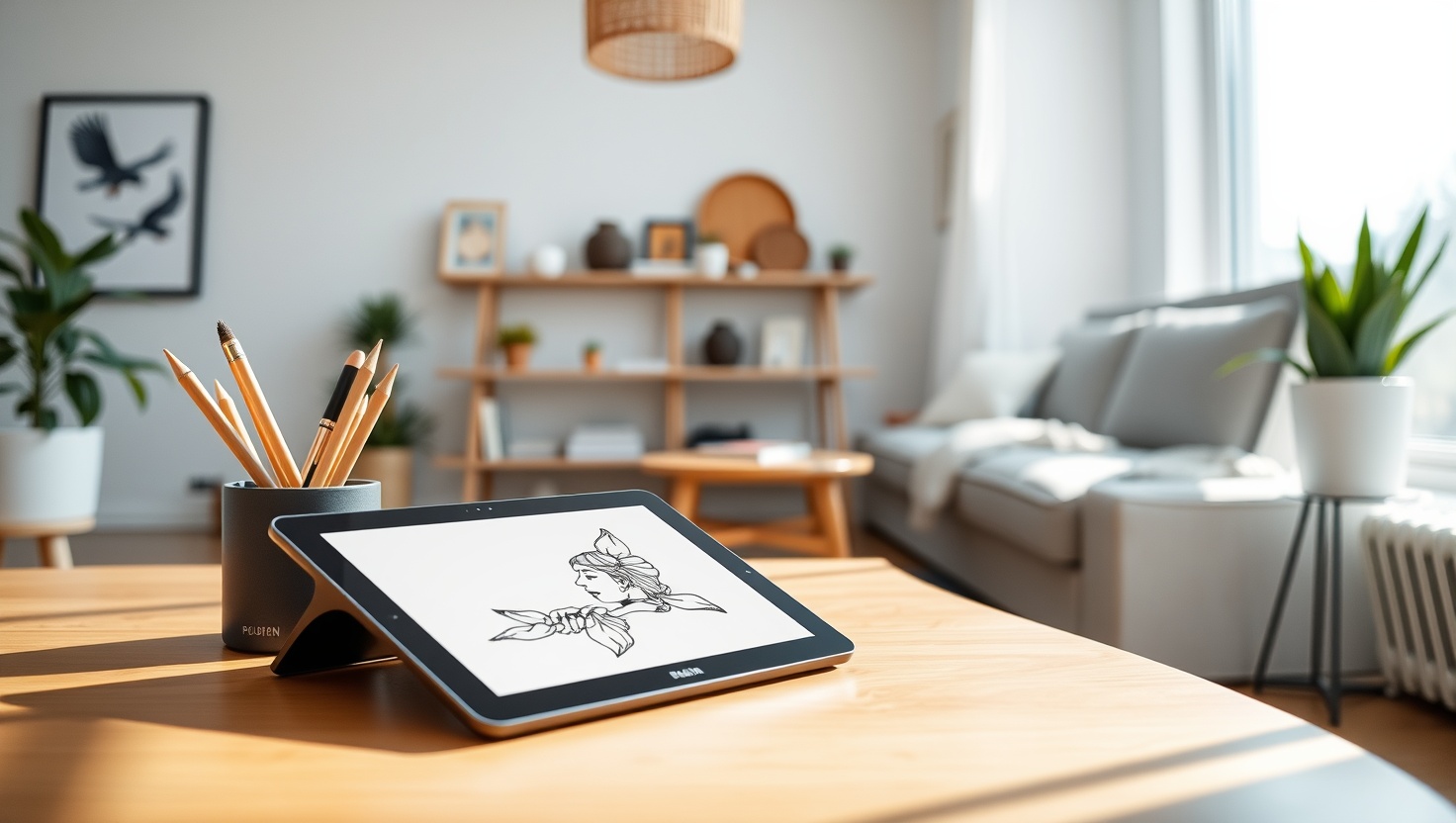
You want a pen display that feels like drawing on paper without fighting glitchy drivers. In 2026, both Wacom and Huion get you closer than ever.
Wacom Cintiq — Top Pick
With a laminated, color-accurate screen, a natural battery-free pen, and the most dependable drivers in the business, the Wacom Cintiq is the best all-around drawing tablet for artists who want it to simply work in 2026.
In a hurry? That's our pick. Want the reasoning and the full comparison? Keep reading.
For years the choice felt simple but expensive: buy a Wacom and pay a premium for rock-solid color and drivers, or gamble on a cheaper brand and hope the pen tracked straight. That gap has narrowed hard. Huion now ships laminated, wide-gamut pen displays with battery-free pens that genuinely rival Wacom, often for a lot less. Meanwhile Wacom has kept its edge where it matters most: color accuracy, pen feel, and driver reliability you can trust deadline after deadline.
The catch is that spec sheets only tell half the story. Two pen displays can both claim laminated screens and 8192 pressure levels and still feel worlds apart in the hand, especially once you factor in driver stability, parallax, and how the pen glides. So you need to know what actually matters. Below you get the four drawing tablets worth your money right now, plus a plain-English breakdown of pen displays versus screenless tablets, color gamut, pen tech, and drivers so you buy the right one the first time.
Key Takeaways
- A pen display's real feel depends on lamination, parallax, and driver stability, not just the pressure-level number on the box.
- For all-round color accuracy, pen feel, and driver reliability, the Wacom Cintiq is our top pick.
- Want the best value pen display with great specs? The Huion Kamvas is the one to beat.
- Chasing a large, color-rich pen display for less? The XPPen Artist delivers strong value.
- On a tight budget or short on desk space? The Wacom Intuos is a screenless tablet that nails the fundamentals.
Pen Display vs Screenless Tablet: Which Do You Actually Need?
Start with the biggest fork in the road: do you want to draw directly on a screen, or on a flat pad while watching your monitor? A pen display like the Wacom Cintiq or Huion Kamvas has an LCD built in, so your line appears right under the nib. It feels natural and intuitive, close to drawing on paper, and it flattens the learning curve for anyone new to digital art. A screenless tablet like the Wacom Intuos is just a sensor pad; you draw on it while looking up at your regular monitor. That hand-eye split takes practice, but once it clicks, screenless tablets are lighter, cheaper, and take up far less desk space.
For most artists who plan to work seriously, a pen display is the more comfortable long-term tool because the connection between hand and line is direct. But do not dismiss the screenless route. If your budget is tight, your desk is small, or you already touch-type without looking at the keyboard, an Intuos can serve you brilliantly for years and costs a fraction of a comparable display. The right answer is not the fanciest option, it is the one that fits your desk, your wallet, and how you like to work.
Once you have picked a category, size matters. A larger pen display gives you room to draw with your whole arm and see more of your canvas at once, which helps with long sessions and detailed work. A smaller one is more portable and friendlier to cramped setups. Match the surface to your art: broad, gestural illustrators benefit from more real estate, while sketchers and note-takers may prefer something compact they can tuck away.
Color, Pen Feel, and Drivers: The Stuff That Decides Your Daily Experience
Color is where Wacom traditionally pulls ahead, and it still matters more than any headline number. A wide color gamut, often quoted as a percentage of sRGB or Adobe RGB coverage, means the display shows more of the colors your files actually contain, so what you paint is what other people see. Just as important is a laminated screen: laminating bonds the glass directly to the LCD, shrinking the air gap that causes parallax, the tiny offset between your nib and the line. Less parallax means the mark lands exactly where you expect, which is the difference between a display that feels precise and one that feels like drawing through a pane of glass. Huion and XPPen now ship laminated, color-rich panels too, which is why the value gap has closed so much.
Pen feel and drivers seal the deal. Modern pens across all these brands are battery-free, so there is nothing to charge and the pen stays light and balanced. Look for tilt support, which lets you shade by angling the nib like a real pencil, and generous pressure sensitivity for smooth taper from hairline to bold. But the quietest, most important factor is driver stability. A tablet with flaky drivers will drop pressure, lose calibration, or fight your software right when you are on a deadline, and no spec sheet warns you. This is Wacom's deepest advantage: its drivers are famously dependable across apps and operating systems. Huion and XPPen have improved dramatically and are reliable for most people, but if your income depends on the tablet simply working every single day, driver maturity is worth paying for. Finally, weigh the build and stand: a sturdy adjustable stand and a rigid chassis make long sessions comfortable and survive years of daily use.
Quick Comparison
| Product | Best For | Type | Strength | Pen |
|---|---|---|---|---|
| Wacom Cintiq | Overall pick | Pen display | Color + driver reliability | Battery-free, tilt |
| Huion Kamvas | Best value display | Pen display | Specs per dollar | Battery-free, tilt |
| XPPen Artist | Big screen value | Pen display | Large, color-rich panel | Battery-free, tilt |
| Wacom Intuos | Budget + compact | Screenless tablet | Reliable fundamentals | Battery-free |
1. Cintiq — Best Overall
Wacom Cintiq
The Wacom Cintiq is the pen display we hand to almost any artist who asks, and it wins this matchup for one honest reason: it feels right and it never lets you down. You draw directly on a laminated, color-accurate screen with minimal parallax, the battery-free pen glides with natural tilt and pressure, and the whole experience gets out of your way so you can focus on the art. It looks and feels like a professional tool because it is one.
What truly sets it apart is the driver reliability. Wacom's software is the most mature in the business, staying rock-solid across Photoshop, Clip Studio, Procreate-style workflows, Windows, and macOS, session after session. That dependability is invisible until you have used a flakier tablet, and then you never want to go back. If you draw for a living, or you simply want the surest, most refined experience with color you can trust, the Cintiq is the safe, satisfying choice.
Pros
- Excellent color accuracy for work that matches across screens
- Laminated screen keeps parallax low so the line lands where you aim
- Battery-free pen with natural tilt and smooth pressure taper
- Famously stable drivers across apps and operating systems
- Refined build quality that survives years of daily professional use
Cons
- Commands a premium over comparable Huion and XPPen displays
- Some larger models need an extra power adapter and cabling
- You pay for the reliability, not flashy extra features
2. Kamvas — Best Value Pen Display
Huion Kamvas
The Huion Kamvas is the smart-money pen display, and it is the closest thing to the Cintiq without the Cintiq outlay. You get a laminated, wide-gamut screen with low parallax, a battery-free pen with tilt and generous pressure, and a genuinely comfortable drawing feel, all for noticeably less than Wacom asks. For most artists shopping on value, this is the easy recommendation: you keep the parts that matter and spend the savings on software or a better desk.
Huion's drivers have come a long way and are reliable for the vast majority of users, with active updates and broad app support. You may occasionally do a little more setup fiddling than on a Wacom, and long-term driver maturity still favors Cintiq, but the day-to-day experience is excellent. If you want a true pen-on-screen experience with strong color and a great pen, and you would rather put your money into the panel than into the logo, the Kamvas is the one to beat.
Pros
- Outstanding specs-per-dollar with a laminated, color-rich screen
- Battery-free pen with tilt and smooth, generous pressure
- Low parallax that rivals displays costing much more
- Active driver updates with broad software support
- The best all-round value pen display for most artists
Cons
- Driver maturity still trails Wacom for the most demanding pros
- Occasional extra setup or calibration fiddling out of the box
- Color accuracy is strong but a step behind the Cintiq
3. XPPen Artist — Best Big-Screen Value
XPPen Artist
The XPPen Artist makes the case for maximum screen at a friendly price. Its pen displays lean into large, color-rich, often laminated panels that give you room to draw with your whole arm and see more of the canvas at once, which is a real gift for illustrators and comic artists. Pair that with a battery-free pen that supports tilt and strong pressure, and you have a big, immersive drawing surface without a flagship price tag.
You give up a little of the ultra-refined polish and the deepest driver maturity, but you keep the part that matters most for gestural work: sheer canvas real estate and solid color. XPPen's drivers are stable for most users and steadily improving, and the value on larger sizes is genuinely hard to match. If your priority is a big, vibrant pen display and you want to stretch your budget across screen size, the Artist stretches every dollar further than the premium options.
Pros
- Large, color-rich panels that give you room to draw freely
- Excellent value on bigger screen sizes
- Battery-free pen with tilt and strong pressure sensitivity
- Laminated options keep parallax comfortably low
- Great fit for gestural illustrators and comic artists
Cons
- Driver maturity trails Wacom for the most demanding workflows
- Fit and finish feel a notch below the premium Cintiq
- Color accuracy is good but not quite Wacom-level for critical work
4. Intuos — Best Budget Screenless
Wacom Intuos
The Wacom Intuos is the budget-friendly, space-saving pick, and the key thing to know is that it is a screenless tablet, not a pen display. You draw on a flat sensor pad while watching your regular monitor, so there is a short learning curve as your hand and eyes get in sync. Once that clicks, the Intuos rewards you with the fundamentals done right: a light, battery-free pen, dependable pressure, and Wacom's trademark driver stability, all in a compact body that tucks away when you are done.
It cannot match the immersive, draw-directly feel of the Cintiq or Kamvas, and it has no screen at all, so it is a different tool for a different budget. But for beginners testing the waters, students, retouchers, or anyone whose desk or wallet cannot fit a full display, the Intuos is a genuinely great entry point. You get real Wacom reliability at a fraction of the price, and many artists happily use one for years.
Pros
- Very affordable entry into the Wacom ecosystem
- Compact and light, ideal for small desks and travel
- Battery-free pen with dependable pressure sensitivity
- Wacom's trademark stable drivers across apps and systems
- Great low-risk way to learn digital art before spending more
Cons
- No screen, so you draw looking at your monitor, not your hand
- Hand-eye separation takes practice to feel natural
- Less immersive than any pen display on this list
Which Should You Choose?
Pick the Wacom Cintiq if you want the surest, most refined experience
If you draw for a living, or you simply want color you can trust and drivers that never fight you, the Wacom Cintiq is the clearest choice. Its laminated, accurate screen, natural battery-free pen, and famously stable software make it a joy to use deadline after deadline. You pay a premium, but you buy peace of mind, and for professional work that is worth it.
Pick the Huion Kamvas or XPPen Artist if value rules everything
Want a true pen-on-screen experience without the flagship spend? The Huion Kamvas gives you a laminated, color-rich display and a great pen for meaningfully less, our best-value winner. Prefer maximum canvas for your money? The XPPen Artist delivers large, vibrant panels that stretch your budget across screen size. Both trade a little driver maturity for savings, and that is a smart trade for most artists.
Pick the Wacom Intuos if budget and desk space come first
Some artists just need a reliable way in without a full display. The Wacom Intuos answers that as a compact, screenless tablet with a dependable pen and rock-solid drivers. You draw on the pad while watching your monitor, which takes practice, but you get genuine Wacom quality for a fraction of the price. It is the smart low-risk starting point.
Ready to Draw on a Screen You Can Trust?
The Wacom Cintiq gives you accurate color, a natural pen feel, and drivers that never fight you, so you can focus on the art instead of the setup. Check current pricing and see why it wins our Wacom vs Huion matchup for most artists.
Explore Brainstamped's Free ToolsFrequently Asked Questions
For most people who want the surest experience, the Wacom Cintiq is the better pen display in 2026, thanks to its color accuracy, natural pen feel, and famously stable drivers. But Huion has closed the gap dramatically. If you want nearly the same experience for meaningfully less money, the Huion Kamvas is the best-value pen display and satisfies the vast majority of artists.
A pen display, like the Wacom Cintiq or Huion Kamvas, has an LCD built in, so you draw directly on the screen and your line appears under the nib. A screenless tablet, like the Wacom Intuos, is a flat sensor pad you draw on while looking at your monitor. Displays feel more natural and intuitive, while screenless tablets are cheaper, lighter, and take up less desk space.
They are impressively close. All of these tablets now use battery-free pens with tilt support and generous pressure sensitivity, so there is nothing to charge and shading feels natural. Wacom's pen feel and calibration still have a slight edge for the most demanding pros, but Huion and XPPen pens are excellent, and most artists would be very happy drawing with any of them.
Drivers are the software that connects your tablet to your art apps, and flaky ones can drop pressure, lose calibration, or fight your software right when you are on a deadline. No spec sheet warns you about this. Wacom's drivers are the most mature and dependable across apps and operating systems, which is its deepest advantage. Huion and XPPen have improved a lot and are reliable for most users.
If you can, yes. A laminated screen bonds the glass to the LCD, shrinking the air gap that causes parallax so your mark lands exactly where you expect. A wide color gamut means the display shows more of the colors in your files, so your work matches on other screens. Both matter for precise, color-accurate art, and the Wacom Cintiq leads here, though Huion and XPPen now offer laminated, color-rich panels too.