
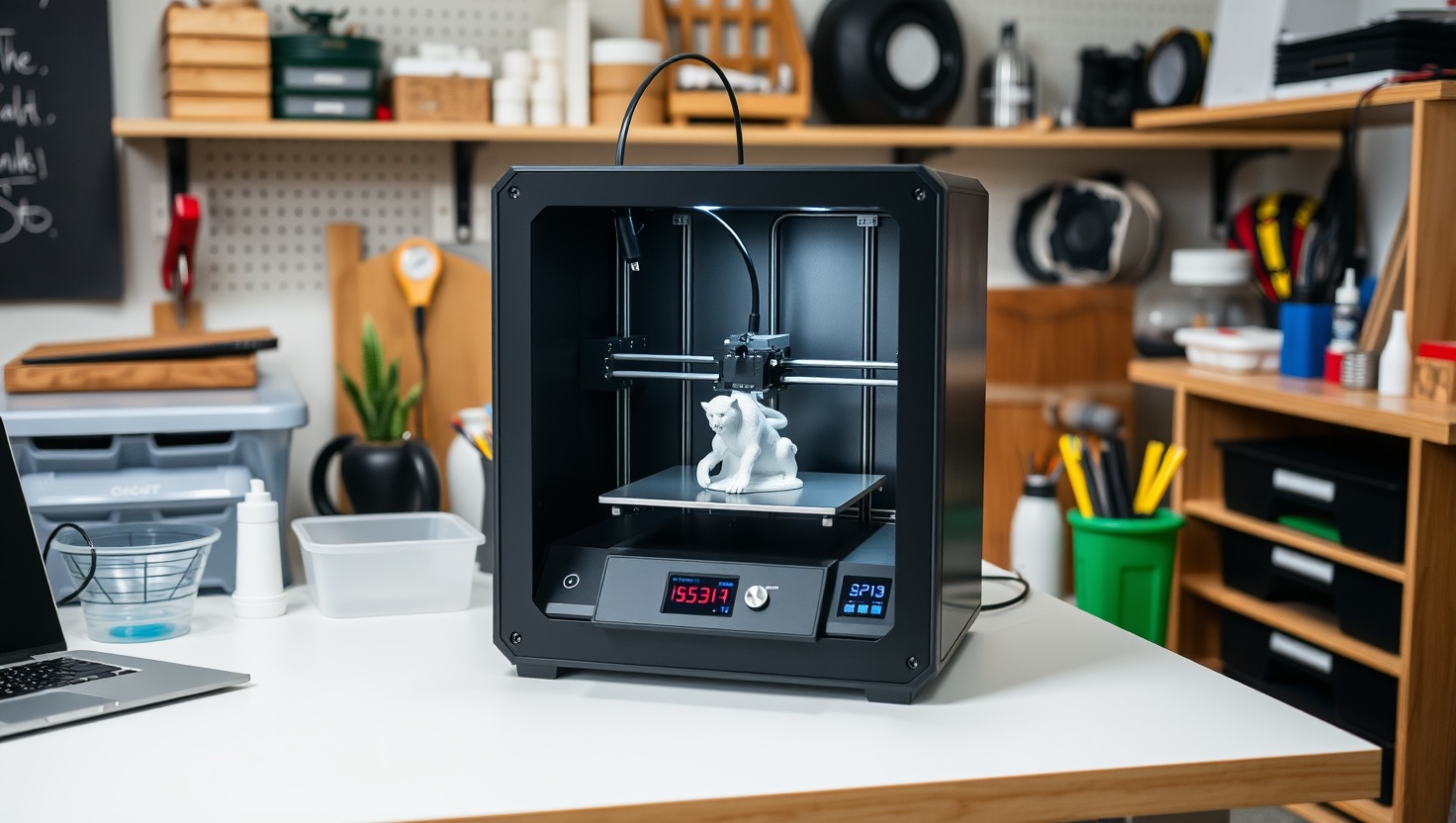
You want prints so crisp you can count the rivets. In 2026, a good resin 3D printer finally makes that easy.
Elegoo Saturn — Top Pick
With a high-resolution mono LCD for sharp detail, fast layer cure times, and a generous build volume, the Elegoo Saturn is the best all-around resin 3D printer for miniatures, models, and hobby work in 2026.
In a hurry? That's our pick. Want the reasoning and the full comparison? Keep reading.
If you have ever squinted at a filament print and seen ugly layer lines march across a face you spent hours modeling, you already know why resin exists. MSLA resin printers flash an entire layer at once through a high-resolution LCD, curing liquid resin into detail that FDM machines simply cannot touch. Miniatures get sharp faces, jewelry masters get clean prongs, and dental and engineering models come out accurate enough to trust. That precision is the whole reason people put up with the mess.
And there is mess. Liquid resin is sticky, smelly, and an irritant, so every resin workflow ends the same way: a wash in isopropyl alcohol and a cure under UV light before the part is safe to handle. The good news is that the 2026 machines make the printing part almost boring in its reliability, thanks to fast mono LCDs and smarter software. Below you get the four resin printers worth your money right now, plus a plain-English guide to LCD resolution, build volume, speed, and the safety steps you cannot skip.
Key Takeaways
- MSLA resin printers cure a full layer at once through an LCD, so print speed depends on layer count, not model complexity.
- For most people, the Elegoo Saturn is our top pick: sharp detail, a mono LCD for speed, and a build size that fits real projects.
- On a budget but still want clean miniatures? The Anycubic Photon delivers the best value and an easy learning curve.
- Printing big batches or large models in one go? The Phrozen Sonic gives you the large-format build volume you need.
- Resin is toxic and irritating, so gloves, ventilation, an IPA wash, and a UV cure are non-negotiable, not optional extras.
How to Read a Resin 3D Printer Spec Sheet (Without Getting Fooled)
Start with the LCD, because on an MSLA printer the screen is the print engine. The machine shines UV light up through a masking LCD that blacks out everything except your layer, curing that shape into the resin in one flash. So the two numbers that decide your detail are the screen's resolution and its physical size. What actually matters is the pixel pitch, the real-world size of each pixel on the build plate, often quoted in microns in the XY plane. A smaller pixel means finer detail, which is exactly why miniature painters, jewelers, and dental labs love resin. Do not just read the marketing megapixels. Check the XY resolution in microns, because a huge 4K screen stretched over a big plate can end up coarser than a sharper small one.
Next comes speed, and here the magic is the mono LCD. Because a resin printer cures an entire layer at once, print time depends on how many layers tall your model is, not how detailed or how many objects sit on the plate. Monochrome LCDs let far more UV light through than the old color panels, so each layer cures in seconds instead of tens of seconds, and the screens last much longer too. That is why a modern mono machine can print a full plate of miniatures in the time an old printer took to do one. When you shop, look for a mono LCD and a fast rated layer cure time.
Then think about build volume, the physical box your prints must fit inside, measured in width, depth, and height. Bigger is not automatically better. A larger plate lets you batch more parts or print a big model in one piece, but it usually costs more, uses more resin per failure, and can trade away a little sharpness if the resolution does not scale up with it. Match the volume to what you actually make. Miniatures and jewelry thrive on compact, high-resolution machines, while cosplay props, large busts, and production batches want a large-format printer.
The Messy Truth: Safety, Cleanup, and the Wash-and-Cure Ritual
Here is the part the glossy photos skip: resin is not friendly. Liquid photopolymer resin is a skin and eye irritant, it gives off fumes you should not breathe, and uncured resin is toxic to handle and to pour down a drain. Treat it with respect and it is completely manageable. Always wear nitrile gloves, work in a well-ventilated space or near an open window with airflow, and keep resin off your skin. If any lands on you, wash it off promptly with soap and water. Keep pets and kids away from the work area, and never let raw resin touch food surfaces. None of this is scary once it becomes routine, but it is not optional either.
Every resin print also needs post-processing before it is safe to touch or paint, and this is the step new buyers underestimate. Fresh off the plate, a print is coated in sticky uncured resin. You wash that off, usually in isopropyl alcohol, then cure the part under UV light so the resin finishes hardening and stops being an irritant. A dedicated wash-and-cure station makes this fast and clean, and it is the single accessory we recommend buying alongside any printer here. Budget for gloves, IPA, paper towels, and a way to filter and store leftover resin. Dispose of waste resin and dirty alcohol responsibly by curing it solid under UV first, since fully cured resin is inert plastic, then discarding it per your local rules. Build these habits from day one and resin printing stays clean, safe, and genuinely fun.
Quick Comparison
| Product | Best For | Detail | Strength | Build Volume |
|---|---|---|---|---|
| Elegoo Saturn | Overall pick | High-res mono LCD | Detail + speed balance | Generous |
| Anycubic Photon | Best value | Sharp for the price | Easy to learn | Compact |
| Phrozen Sonic | Large format | High-res across a big plate | Big build volume | Large |
| Formlabs Form | Professional work | Reference-grade accuracy | Pro ecosystem | Professional |
1. Saturn — Best Overall
Elegoo Saturn
The Elegoo Saturn is the resin printer we hand to almost anyone who asks. It hits the sweet spot better than anything else in 2026: a high-resolution mono LCD that turns out beautifully sharp miniatures and models, print speeds that stay quick because the mono screen cures each layer fast, and a build volume big enough to batch a whole army of minis or a decent-sized model in one go. It prints reliably out of the box, which for resin is worth its weight in gold.
What makes the Saturn the easy recommendation is balance. You are not choosing between detail and size, or between speed and quality, the way you often are at this price. The huge Elegoo community means settings profiles, troubleshooting help, and resin recommendations are a quick search away. If you want one resin printer that does miniatures, tabletop terrain, jewelry masters, and hobby models without drama, this is it.
Pros
- Excellent detail from a high-resolution mono LCD
- Fast layer cure times thanks to the monochrome screen
- Generous build volume for batching or larger models
- Reliable, beginner-friendly out-of-the-box printing
- Massive community with ready-made settings and support
Cons
- Larger footprint needs dedicated, ventilated bench space
- Bigger plate means more wasted resin if a print fails
- Still requires the full wash, cure, and cleanup routine
2. Photon — Best Value
Anycubic Photon
If you want to try resin without a big commitment, the Anycubic Photon is where most people start, and for good reason. It delivers genuinely sharp detail on miniatures and small models for one of the lowest entry prices in the category, and its compact footprint fits on a small, ventilated corner of a desk. Anycubic's slicer and setup are famously approachable, so your first successful print comes fast instead of after a week of frustration.
You give up some build volume and the fastest speeds of the pricier machines, but you keep the part that matters most for a first printer: clean, high-detail results and a gentle learning curve. For hobbyists printing tabletop minis, terrain, and small parts, the Photon stretches every dollar and teaches you the resin workflow without punishing mistakes. It is the smart-money pick for getting into MSLA.
Pros
- Outstanding value and low cost of entry
- Sharp, detailed prints that punch above the price
- Compact footprint fits a small ventilated workspace
- Beginner-friendly slicer and easy first-print success
- Huge library of community profiles and tutorials
Cons
- Smaller build volume limits batch and model size
- Slower and less refined than higher-end machines
- Same messy wash and cure steps still apply
3. Sonic — Best Large Format
Phrozen Sonic
When one small plate is not enough, the Phrozen Sonic makes the case. Its large-format build volume lets you print big busts, cosplay props, and helmets in fewer pieces, or fill a huge plate with a production run of parts in a single session. Because MSLA cures a whole layer at once, packing that big plate full does not slow you down, which is exactly why makers who sell prints or build large models love a machine like this.
The clever part is that Phrozen keeps the resolution high even across that bigger screen, so you get large size without giving up the crisp detail resin is known for. You trade some bench space and a higher resin appetite for that scale, and failures on a full plate cost more resin, so dialing in your settings matters. But if your projects have outgrown a compact printer, the Sonic gives you room to grow.
Pros
- Large build volume for big models and full batches
- Keeps high detail across the bigger print area
- Fewer glue seams on large multi-part prints
- Great for makers selling prints or making props
- Mono LCD keeps a packed plate printing fast
Cons
- Needs a big, ventilated dedicated workspace
- Uses more resin, so failures are costlier
- Overkill and pricier if you only print miniatures
4. Form — Best Professional
Formlabs Form
If your prints have to be right the first time, every time, the Formlabs Form is the professional's answer. This is not a hobby machine dressed up. It is a tightly engineered system built for dental labs, jewelers, engineers, and design studios that need reliable dimensional accuracy and a repeatable workflow. The trade-off is straightforward: you pay considerably more, and in return you get consistency and support that hobby printers do not promise.
What sets it apart is the ecosystem. Formlabs pairs the printer with validated resins tuned for specific jobs, polished software, and matching wash and cure hardware, so the whole pipeline is engineered to work together. For a studio where downtime and rejects cost real money, that reliability is the product. If you are printing for clients, patients, or paying customers rather than for fun, the Form earns its premium.
Pros
- Reference-grade accuracy and repeatable results
- Polished, professional software and workflow
- Wide range of validated, application-specific resins
- Matching wash-and-cure hardware for a tight pipeline
- Strong support built for studios and labs
Cons
- Significantly more expensive than hobby printers
- Proprietary ecosystem can raise ongoing resin costs
- More machine than a casual hobbyist needs
Which Should You Choose?
Pick the Elegoo Saturn if you want one printer for everything
If you print a mix of miniatures, models, terrain, and jewelry masters and you want it to just work, the Elegoo Saturn is the clearest choice. Its high-resolution mono LCD gives you sharp detail, its speed stays quick, and its generous build volume handles both single big models and batches of small ones. Add the huge community support and it is the best all-around balance of detail, speed, and size on this list.
Pick the Anycubic Photon or Phrozen Sonic based on your scale
Just getting into resin or watching your budget? The Anycubic Photon delivers clean, detailed prints and the gentlest learning curve for the lowest cost of entry. Already printing big props, busts, or full production batches? The Phrozen Sonic gives you the large-format build volume to do it in fewer pieces without losing detail. Match the machine to the size of what you actually make.
Pick the Formlabs Form if the prints are for paying clients
Some buyers need accuracy and repeatability they can stake a business on, not just a fun hobby. The Formlabs Form answers that with reference-grade precision, validated resins, and a polished professional workflow. It costs more and locks you into an ecosystem, but if you print for dental, jewelry, engineering, or design clients, that reliability is exactly what you are paying for, and it is worth it.
Ready to Print Detail You Can Actually See?
The Elegoo Saturn gives you crisp, high-resolution prints, fast mono-LCD speed, and enough build volume for real projects, all backed by a huge community. Check current pricing and see why it tops our 2026 list.
Explore Brainstamped's Free ToolsFrequently Asked Questions
For most people, the Elegoo Saturn is the best resin 3D printer in 2026. It pairs a high-resolution mono LCD for sharp detail with fast print speeds and a generous build volume, and it prints reliably out of the box with huge community support. If you are on a tight budget, the Anycubic Photon is the best value alternative.
A filament printer melts plastic and draws each layer with a moving nozzle, which leaves visible layer lines. A resin MSLA printer flashes UV light through an LCD to cure a whole layer of liquid resin at once, producing far finer detail. That makes resin the clear winner for miniatures, jewelry, and dental or engineering models, at the cost of a messier workflow.
Liquid resin is a skin and eye irritant and its fumes should not be breathed, so safety matters. Always wear nitrile gloves, work in a well-ventilated area, and keep resin off your skin, away from food surfaces, and away from kids and pets. Every print then needs an isopropyl alcohol wash and a UV cure before it is safe to handle, and waste should be cured solid before disposal.
It is not strictly required, but we strongly recommend one. Every resin print comes off the plate coated in sticky uncured resin that must be washed in IPA and then cured under UV light to finish hardening. A dedicated wash-and-cure station makes that ritual fast, clean, and consistent, and it is the one accessory worth buying alongside any printer on this list.
It depends on what you make. Miniatures, jewelry, and small parts thrive on a compact, high-resolution machine like the Anycubic Photon, where fine detail matters more than size. If you print large busts, cosplay props, or full production batches, step up to a large-format printer like the Phrozen Sonic. The Elegoo Saturn's mid-to-large plate is the versatile middle ground for most people.