
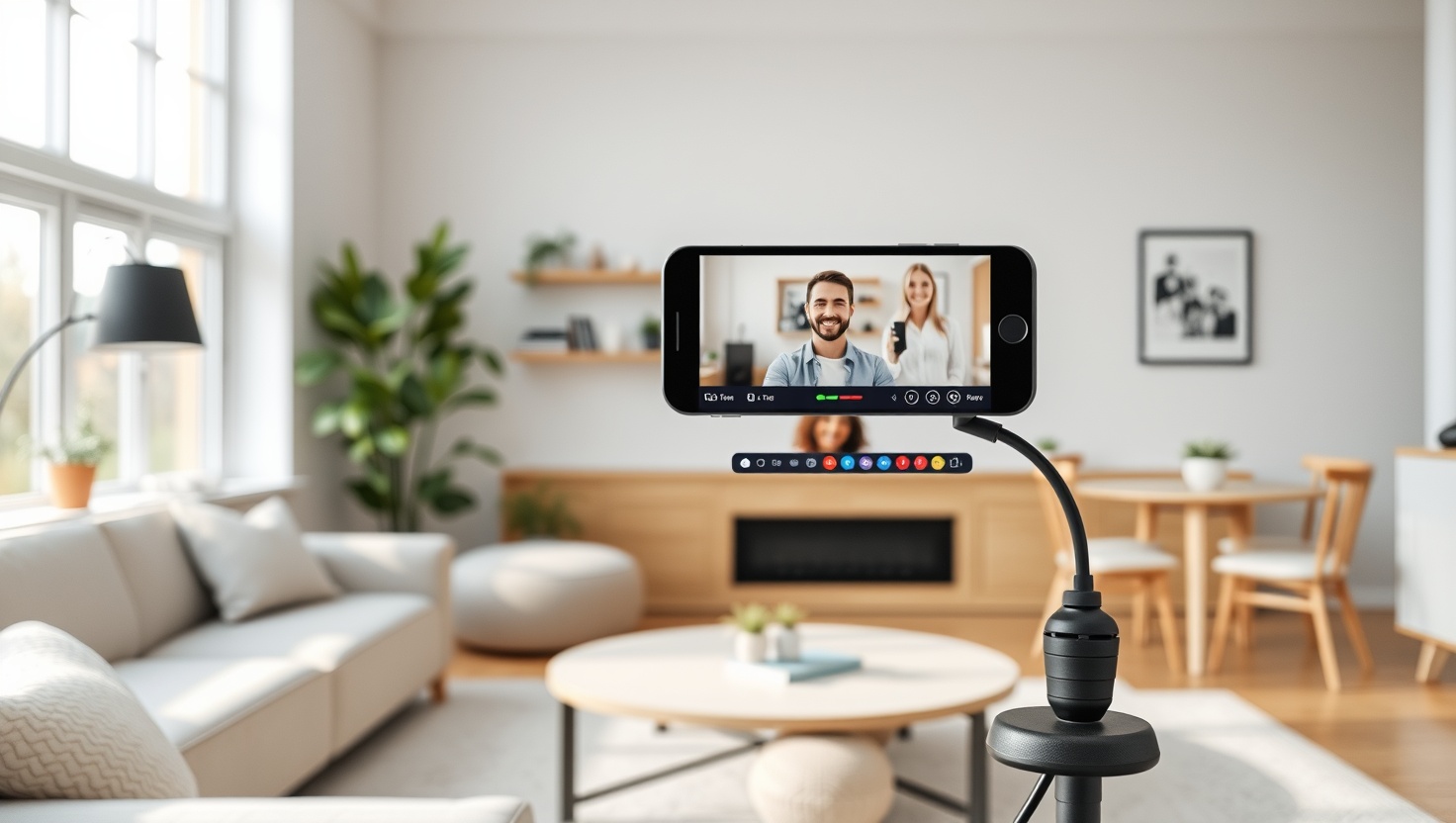
Your face is the first thing people judge on a call or a stream. A soft, grainy webcam makes you look tired and unprepared, even when you are neither.
Logitech MX Brio 4K — Top Pick
The MX Brio's Sony STARVIS sensor gives you sharp detail and clean low-light video that no other webcam here matches. It is the one we reach for first for calls, streams, and recordings, and the one people notice.
In a hurry? That's our pick. Want the reasoning and the full comparison? Keep reading.
You do not need a mirrorless camera, a capture card, and a shelf of lights to look sharp on video. A good webcam handles most of that for you, and the gap between a bad one and a great one is huge. The difference shows up the second your face appears on screen.
You already own a decent laptop, so why does your video still look washed out? Because the tiny sensor built into most laptops was never meant to make you look good. In this guide you will learn what actually matters (resolution, framerate, low light, field of view, auto-framing) and which four webcams we recommend for real people on real calls and streams in 2026.
Key Takeaways
- The Logitech MX Brio 4K is our top pick: a Sony STARVIS sensor gives you sharp detail and clean low-light footage that no other webcam here matches.
- Want reliable video for the price of a nice dinner? The Logitech C920s is the value workhorse that plugs in and just works with everything.
- If you stand, pace, or teach on camera, the Insta360 Link 2 uses a real gimbal to keep you centered while you move.
- On a tight budget the Anker PowerConf C200 delivers surprisingly clean 2K and holds up in dim rooms for around $49.
- Higher resolution helps detail, but framerate, low-light performance, and your lighting matter just as much for looking good.
What Actually Makes You Look Good on Camera
Everyone fixates on megapixels, but resolution is only one piece. Resolution decides how much fine detail your webcam captures. Framerate decides how smooth your motion looks. A crisp 4K image at a stuttering framerate feels worse than a smooth 1080p one, so you want both to hold up together. For calls and most streaming, 30fps looks natural and keeps your feed steady.
Low-light performance is the quiet hero. Most homes and offices are dimmer than the camera wants, and a small, cheap sensor responds by cranking the brightness artificially. That is where grain, smearing, and that washed-out look come from. A bigger, better sensor (like the Sony STARVIS in the MX Brio) pulls in more light cleanly, so you look natural instead of noisy even when the sun goes down.
Field of view controls how much of your room the camera sees. A wide field of view fits a whole family or a demo table into frame, while a narrower one keeps the focus tight on your face and hides the mess behind you. Several of these webcams let you adjust it, so you are not stuck with one fixed crop.
Auto-Framing, Tracking, and Why They Matter
Auto-framing keeps you centered without you touching anything. The camera finds your face and gently adjusts the crop as you shift in your seat, so you stay in the middle of the shot even when you lean back to think or reach for your coffee. For seated calls, this software-based framing is plenty and it comes built into most of these picks.
Tracking goes a step further. Instead of only cropping the image, a webcam like the Insta360 Link 2 physically pivots on a motorized gimbal to follow you around the room. If you teach, present at a whiteboard, or pace while you talk, that mechanical movement keeps you sharp and centered in a way software cropping simply cannot match.
Here is the honest trade-off: fancy tracking is wasted money if you sit still. If your face barely moves during a call, you will get better everyday results from a webcam that nails detail and low light, like the MX Brio, than from one built to chase you around a stage.
How We Picked These Four
We started from how people actually use webcams: back-to-back video calls, the occasional stream, teaching, and recording. Then we weighed image quality in normal indoor light far more heavily than lab-perfect studio conditions, because that is where you live.
We also refused to pretend one webcam fits everyone. A creator streaming three nights a week needs different gear than a parent joining school calls or a presenter who never sits down. So instead of crowning a single winner and moving on, we picked the clear best in four lanes: overall, value, tracking, and budget.
Quick Comparison
| Product | Resolution | Best For | Low Light | Price |
|---|---|---|---|---|
| Logitech MX Brio 4K | 4K / 30fps | Best overall | Excellent | ~$200 |
| Logitech C920s | 1080p / 30fps | Best value | Fair | ~$70 |
| Insta360 Link 2 | 4K / 30fps | Best for tracking | Very good | ~$199 |
| Anker PowerConf C200 | 2K / 30fps | Best budget | Good | ~$49 |
1. MX Brio — Best Overall
Logitech MX Brio 4K
The MX Brio is the webcam that finally makes people ask what camera you are using. That Sony STARVIS sensor is the reason: it captures genuine detail and stays clean when the light drops, so you look sharp and natural whether it is noon or 9pm. Auto-framing keeps you centered, and you can dial the field of view in or out depending on how much room you want in frame.
At around $200 it is the priciest pick here, and it earns it. If you take video seriously (client calls, regular streams, recorded content) this is the one we reach for first. It plugs in over USB-C, works across the tools you already use, and simply looks a class above everything else on this list.
Pros
- Outstanding detail thanks to the Sony STARVIS sensor
- Excellent low-light performance with clean, natural color
- Adjustable field of view for tight or wide framing
- Reliable auto-framing keeps you centered
- Modern USB-C connection and solid build
Cons
- Most expensive option in this guide
- 4K files are large and demand more from your computer
- Overkill if you only take occasional calls
2. C920s — Best Value
Logitech C920s
The C920s is the webcam that has been quietly making people look good for years, and it still holds up. You get clean, dependable 1080p at 30fps, a built-in privacy shutter, and the kind of plug-and-play compatibility that means it works with every app you throw at it. No drivers to fight, no surprises.
For around $70 it is the easy recommendation when someone just wants to look presentable on calls without overthinking it. It is not the sharpest here and it wants decent room light to shine, but as a no-drama workhorse it is hard to beat for the money.
Pros
- Excellent value for reliable 1080p video
- Works with essentially every app and platform
- Built-in privacy shutter for peace of mind
- Truly plug-and-play, no setup headaches
- Proven, durable track record
Cons
- Only 1080p, so less detail than 4K picks
- Needs good lighting to look its best
- Fixed field of view with no zoom control
3. Link 2 — Best for Tracking
Insta360 Link 2
The Link 2 does something the others cannot: it physically moves to follow you. A 3-axis motorized gimbal pans and tilts to keep you framed as you stand, walk, or pace, and the AI tracking locks onto you smoothly instead of jerking around. For presenters, teachers, and anyone who cannot sit still, that is a genuine game-changer.
At around $199 it also delivers sharp 4K and strong low-light video, so you are not paying purely for the party trick. If you spend your calls seated, you will not use the tracking much and the MX Brio makes more sense. But if you are up on your feet and moving, nothing else here keeps you centered like this.
Pros
- 3-axis gimbal physically tracks you as you move
- Smooth, accurate AI auto-tracking
- Sharp 4K image with very good low light
- Great for presenting, teaching, and demos
- Adjustable framing and multiple shooting modes
Cons
- Tracking is wasted if you sit still
- Moving parts add complexity versus a fixed webcam
- Premium price for features many people won't use
4. C200 — Best Budget
Anker PowerConf C200
The C200 is the pick that proves you do not have to spend much to look good. For around $49 you get crisp 2K video that clearly beats a laptop camera, plus surprisingly capable low-light handling for the price. It even includes a physical privacy cover and lets you adjust the field of view to frame yourself the way you want.
It is not going to out-detail the MX Brio, and in very dim rooms the more expensive sensors pull ahead. But if you want a real upgrade over your built-in webcam without spending real money, the C200 is the smartest budget buy on this list.
Pros
- Clean 2K video at a genuinely low price
- Good low-light performance for the money
- Adjustable field of view for flexible framing
- Built-in privacy cover included
- Big upgrade over any laptop webcam
Cons
- Less detail and low-light range than pricier picks
- Software polish trails the Logitech options
- USB-A only, no USB-C connection
Which Should You Choose?
Get the MX Brio if image quality comes first
If you want the best-looking video with the least fuss, the Logitech MX Brio 4K is the answer. The Sony STARVIS sensor gives you detail and low-light performance the others cannot match, and it is the webcam you buy once and stop thinking about. For serious calls, streams, and recordings, it is worth the premium.
Get the C920s or C200 to save money
On a budget, your choice comes down to how much you value that extra bit of resolution. The Logitech C920s gives you rock-solid 1080p and bulletproof compatibility for around $70, while the Anker PowerConf C200 pushes to 2K with decent low light for around $49. Both crush any built-in laptop camera.
Get the Insta360 Link 2 if you move
If you stand, teach, or pace on camera, buy the Insta360 Link 2. Its motorized gimbal physically follows you so you stay centered without touching a thing. Just be honest with yourself: if you sit still through every call, that tracking is money you will never use, and the MX Brio serves you better.
Ready to Look Sharp on Every Call?
Stop letting a grainy laptop camera speak for you. The Logitech MX Brio 4K makes you look sharp and natural in any light, while the C920s and C200 upgrade your video without stretching your budget. Pick the one that fits how you work and hit record with confidence.
Explore Brainstamped's Free ToolsFrequently Asked Questions
Not for most calls. Many meeting apps stream at 1080p or lower anyway, so a solid 1080p webcam like the C920s looks great. Where 4K helps is recording, streaming, and cropping in tight, or simply having sharper detail and better sensors, which is why the MX Brio still wins on overall image quality.
For looking good day to day, low-light performance often wins. Rooms are dimmer than cameras want, and a great sensor stays clean where a cheap one turns grainy and washed out. That is the biggest reason the MX Brio, with its Sony STARVIS sensor, looks a class above even other 4K webcams.
The Insta360 Link 2. It uses a 3-axis motorized gimbal to physically track you as you stand, walk, or present, keeping you centered without any manual adjustment. Software auto-framing on the other picks only crops the image and cannot follow you across a room the way the Link 2 can.
The Anker PowerConf C200. At around $49 it delivers clean 2K video and handles dim rooms better than you would expect at that price. It is a big jump up from any laptop camera, includes a privacy cover, and lets you adjust the field of view.
Good lighting always helps, but the better the sensor, the less you have to worry. The MX Brio and Link 2 hold up well in normal indoor light, while the C920s looks its best with a bit of extra brightness. A simple rule: face a window or a lamp rather than sitting with light behind you.