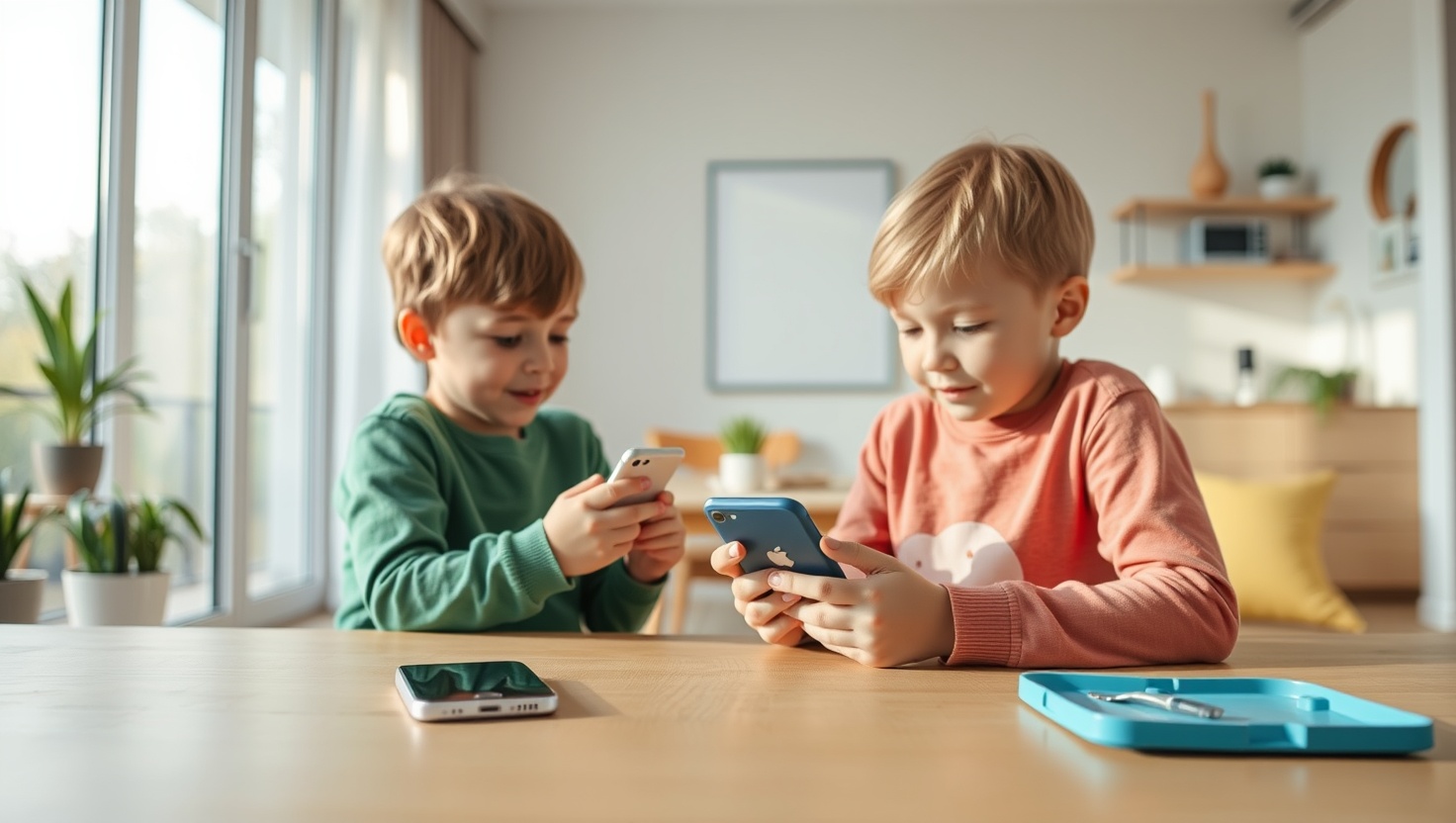
Your kid needs a phone. You know it, they know it, and their friends definitely know it. But handing a 10-year-old a full-blown smartphone in 2026 means handing them a direct line to TikTok, Instagram, YouTube shorts, group chats, and every other platform designed by very smart adults to keep them scrolling for as long as possible. That's not a phone — that's a slot machine with a camera.
The good news: the market for kid-safe phones has genuinely matured. You no longer have to choose between "nothing" and "everything." There are real, well-designed devices that give your child connection — calls, texts, GPS — without handing over the entire internet. Five of them are worth your attention in 2026, and this guide breaks down exactly who each one is right for.
Whether your child is eight and just needs to call you after school, or twelve and ready for a little more independence, there's a phone on this list that fits. Here's how they stack up.
Key Takeaways
- Kid-safe phones block social media and browsers at the hardware or system level — not just with a password
- The Gabb Phone Pro is the best overall pick: no internet, no social media, GPS built in, parent dashboard included
- For maximum parental control, the Bark Phone monitors actual content and flags problems automatically
- Pinwheel's "earn your apps" model is the best option for families who want to gradually expand phone freedom over time
- The Nokia 2780 Flip costs under $60 and is the simplest, most affordable option — no monthly platform fee required
- For kids under 10, the Gabb Watch 3 is often a smarter first step than any phone
Why a Regular Smartphone Isn't a Good First Phone
The average teenager spends over 7 hours a day looking at screens — and that's not counting school. A huge portion of that time starts with one thing: the smartphone they got "just to stay in touch." Regular smartphones aren't designed with kids in mind. They're designed to maximize engagement. Every notification, every autoplay video, every infinite scroll is intentional.
Giving a child a standard iPhone or Android as their first phone is a bit like teaching someone to drive by putting them on a freeway. The vehicle can technically do it. But the experience is overwhelming, the risks are real, and there's no gradual learning curve built in.
Kid-safe phones solve this by removing the parts that cause the most harm: the social media apps, the browser, the app store access. What's left is genuinely useful — calling, texting, sometimes maps and music — without the rabbit holes. Your child gets independence. You get peace of mind. That's the balance worth finding.
What to Look for in a Kid's First Phone (Age, Features, Controls)
Not all kid phones are equal. Before you buy, think through these four things:
- Age fit. A 7-year-old and a 12-year-old have very different needs. Younger kids often do better with a watch-style device; older kids can handle a full phone with limited features.
- Control depth. Some phones block everything by default (Gabb). Others let you customize exactly what's allowed and monitor what happens (Bark, Pinwheel). Think about how hands-on you want to be.
- Growth room. Will this phone still work for your kid in two years? Pinwheel's app-unlock system is built for this. A basic flip phone may need replacing sooner.
- Total cost. Factor in device price plus any monthly service fee. Some "cheap" phones have a $15/month platform cost; some pricier devices have no ongoing fee.
GPS tracking is worth prioritizing — especially for younger kids. It's not about surveillance; it's about the quiet confidence of knowing where your child is without having to call them every hour.
The 5 Best First Phones for Kids in 2026
Best Overall
The Gabb Phone Pro is the cleanest, most straightforward kids' phone on the market. No browser. No app store. No social media — full stop. It runs Gabb's own operating system, so there's no way to sideload apps or find workarounds. What kids get is calls, texts, a camera, GPS, and music. What they don't get is a portal to the internet.
The parent dashboard is genuinely useful. You can see your child's location in real time, set quiet hours, and review call and text logs. Gabb's own cellular plan is required, and coverage runs on T-Mobile's network — solid for most of the US. It's not the cheapest option, but for parents who want "set it and breathe easy," it's hard to beat.
Pros
- No browser, no app store — socials are structurally impossible
- Real-time GPS tracking in the parent app
- Clean, simple interface kids can actually use
- Solid camera for the price
- Parental quiet hours and contact controls
Cons
- Requires Gabb's own plan (no bring-your-own-carrier)
- Monthly service cost adds up over time
- Limited features may frustrate older kids (12+)
- No WhatsApp or iMessage — SMS only
Verdict: The best first phone for kids aged 8–12 who need real communication without any internet access. Parents love it. Kids adjust to it. The peace of mind is worth the monthly fee.
See Gabb Phone Pro →
Best Parental Controls
The Bark Phone takes a different approach. Instead of blocking everything, it monitors everything — and alerts you when something actually needs your attention. Bark's AI scans your child's texts, emails, and social media activity for signs of bullying, depression, explicit content, or predatory contact, then sends you an alert. You don't read every message; you only hear about the ones that matter.
This makes it the right choice for older kids (11–14) who need a bit more freedom but still need supervision. You control which apps are installed, set screen time schedules, and can pause internet access with one tap. The device itself runs on Android and includes Bark's plan. It's the most capable parenting tool on this list — but it requires you to stay engaged with the alerts it sends.
Pros
- AI monitoring flags real issues without you reading every message
- Highly customizable — control apps, time, and content by category
- Works with social media apps if you choose to enable them
- GPS location included
- Great for kids transitioning toward more independence
Cons
- Higher monthly cost (~$50 includes device and service)
- Requires active parental engagement with alerts
- More complex to set up than simpler options
- Kids who are tech-savvy may find workarounds
Verdict: Best for parents of kids 11–14 who want supervision without surveillance. You're not reading their diary — you're getting alerted when something genuinely worrying shows up. Smart, practical, and genuinely protective.
See Bark Phone →
Best Gradual Freedom
Pinwheel is built around a simple idea: trust is earned, not given. Kids start with a highly restricted device — calls, texts, and a curated set of educational apps. As they demonstrate responsibility, parents unlock new apps, contacts, and features. It's the most thoughtful "growing up" model in the kids' phone market, and it actually gives kids something to work toward.
The Pinwheel app for parents is clean and easy to use. You approve or block apps, see what your child is doing, and adjust settings as they get older. The phone itself runs on a modified Android and is compatible with most major carriers. At $10/month for the platform (carrier plan sold separately), it's one of the more affordable ongoing costs on this list.
Pros
- "Earn your apps" model teaches digital responsibility
- Low platform fee ($10/month, bring your own carrier)
- Smooth, well-designed parent dashboard
- Grows with your child from age 8 through teen years
- Works on most major US carriers
Cons
- Requires ongoing parental involvement to work well
- App selection more limited than standard Android
- No built-in monitoring/alerts like Bark
- Kids may feel the restrictions are unfair early on
Verdict: The smartest long-term investment for families who want to teach healthy phone habits, not just enforce rules. If you have the patience to engage with it, Pinwheel is the phone that actually builds the skill.
See Pinwheel Phone →
Best Budget Pick
Sometimes the simplest answer is the best one. The Nokia 2780 Flip is an unlocked flip phone running KaiOS — a lightweight operating system with basic apps like maps and a music player, but no full web browser or social media app store. It has T9 texting, a physical keypad, a 2.8-inch screen, and a satisfying flip action that kids actually enjoy. It's also extremely durable.
There are no monthly platform fees. You just pop in a SIM from any GSM carrier (T-Mobile, AT&T, Mint, etc.) and go. Call quality is good, battery life is excellent, and the form factor makes it much harder to doom-scroll than a touchscreen smartphone. It's not the most feature-rich option, but for budget-conscious parents who want a no-nonsense first phone, it does exactly what it needs to do.
Pros
- No monthly platform fee — just buy it and use it
- Unlocked, works with any GSM carrier
- Physically durable, long battery life
- No social media or full browser by design
- Flip form factor discourages mindless scrolling
Cons
- No parent dashboard or GPS tracking
- T9 texting has a learning curve for kids used to touchscreens
- KaiOS apps are limited — no Spotify, no iMessage
- Small screen may frustrate some kids
Verdict: The best option for parents who want the simplest possible first phone with no ongoing costs. No GPS, no monitoring — but also no TikTok, no Instagram, no rabbit holes. Sometimes "basic" is exactly right.
See Nokia 2780 Flip →
Best for Younger Kids
For kids under 10, a phone might be more than they actually need. The Gabb Watch 3 gives you the two things that matter most — GPS location and two-way calling — in a watch form factor that's genuinely hard to get addicted to. There's no touchscreen to swipe through, no app store, no camera. Just a durable kids' smartwatch that lets your child call you, and lets you see exactly where they are.
Gabb's parent app handles everything: set up approved contacts, view real-time location, and check call history. The watch runs on its own cellular plan (Gabb's network, T-Mobile powered). Battery life is solid for daily school use. If your child just needs to be reachable and you need peace of mind, this does the job without any of the screen time baggage.
Pros
- Watch form factor — nearly impossible to get addicted to
- Real-time GPS is accurate and reliable
- Two-way calling with approved contacts only
- Durable build designed for active kids
- Great for ages 6–10 before they're ready for a phone
Cons
- Requires Gabb's own cellular plan
- No texting — calls only
- Older kids may find it too limited quickly
- Higher upfront cost for a watch vs. a basic flip phone
Verdict: The right first device for kids who aren't ready for a phone yet. It bridges the gap perfectly — your child gets independence and you get location peace of mind, with zero screen addiction risk.
See Gabb Watch 3 →
When Is the Right Age for a First Phone?
There's no universal answer — but there are some sensible guidelines. Child development researchers, including Jonathan Haidt (author of The Anxious Generation), generally recommend waiting until at least 10–12 for any phone, and 14+ before giving unrestricted smartphone access. The reasoning is about brain development: younger kids simply don't have the impulse control to self-regulate screen time, and social comparison at that age hits differently.
Here's a rough framework that works for most families:
- Ages 6–9: A GPS smartwatch is usually enough. Your child can call you; you can see where they are. No phone needed yet.
- Ages 9–11: A basic phone like the Gabb Phone Pro or Nokia Flip makes sense if your child is walking to school, doing activities independently, or spending time at friends' houses.
- Ages 12–13: A monitored phone like Bark or Pinwheel gives more capability while keeping guardrails in place. Good for middle schoolers navigating more independence.
- Ages 14+: Consider a limited smartphone with strong parental controls and clear family agreements about usage. By this point the goal shifts from restriction to teaching self-regulation.
Whatever age you choose, the research is consistent: later is better, and a gradual introduction beats jumping straight to full smartphone access. Every year you wait is a year of brain development that genuinely matters.
Frequently Asked Questions
What age should a child get their first phone?
Most child development experts suggest waiting until at least age 10–12 for any phone, and 13+ for a smartphone with full internet access. A dedicated kids' phone or GPS watch is a much safer option for younger children (ages 6–10) who just need a way to reach you. The American Psychological Association and researchers like Jonathan Haidt point to 16 as the ideal age for unrestricted social media access — not because of rules, but because of brain development.
Are kid-safe phones actually safe from social media?
Yes — phones like the Gabb Phone Pro and Nokia 2780 Flip have no browser and no app store, making social media access physically impossible. Phones like Bark and Pinwheel use software controls, which are strong but do require staying updated and active as a parent. The fully locked-down options (Gabb, Nokia) are more resistant to tech-savvy kids finding workarounds. If you want zero chance of TikTok access, go hardware-restricted.
Can my child still text friends on a kid phone?
Absolutely. All five phones on this list support SMS texting and phone calls. The Gabb Phone Pro, Nokia Flip, and Bark Phone all let kids text freely. Pinwheel lets you control which contacts your child can message. They get real connection with their friends — just without the algorithm pulling them into a 2-hour scroll session afterward.
Do kid phones work with any carrier?
It depends on the phone. The Nokia 2780 Flip is fully unlocked and works with most GSM carriers (T-Mobile, AT&T, Mint Mobile, and their MVNOs). Gabb Phone and Gabb Watch require Gabb's own service plan. The Bark Phone works through Bark's own service. Pinwheel works with most major US carriers, which gives you the most flexibility to shop for the best plan rate. Always check coverage in your area before buying.
Should I get my child a phone or a smartwatch first?
For kids under 10, a GPS smartwatch like the Gabb Watch 3 is often a better first step. It gives you location tracking and calling without any screen to get lost in — and frankly, it's just what most young kids actually need. A dedicated phone makes more sense once your child is 10–12 and genuinely needs to reach friends independently, carry it around more, or handle after-school logistics on their own.
Ready to Find the Right Phone for Your Kid?
Give your child connection and independence — without handing over the entire internet. Any of these five picks is a smarter start than a regular smartphone.
See Our Top Pick: Gabb Phone Pro →