Best Blue Light Screen Protectors for Kids' Tablets and Laptops (2026)
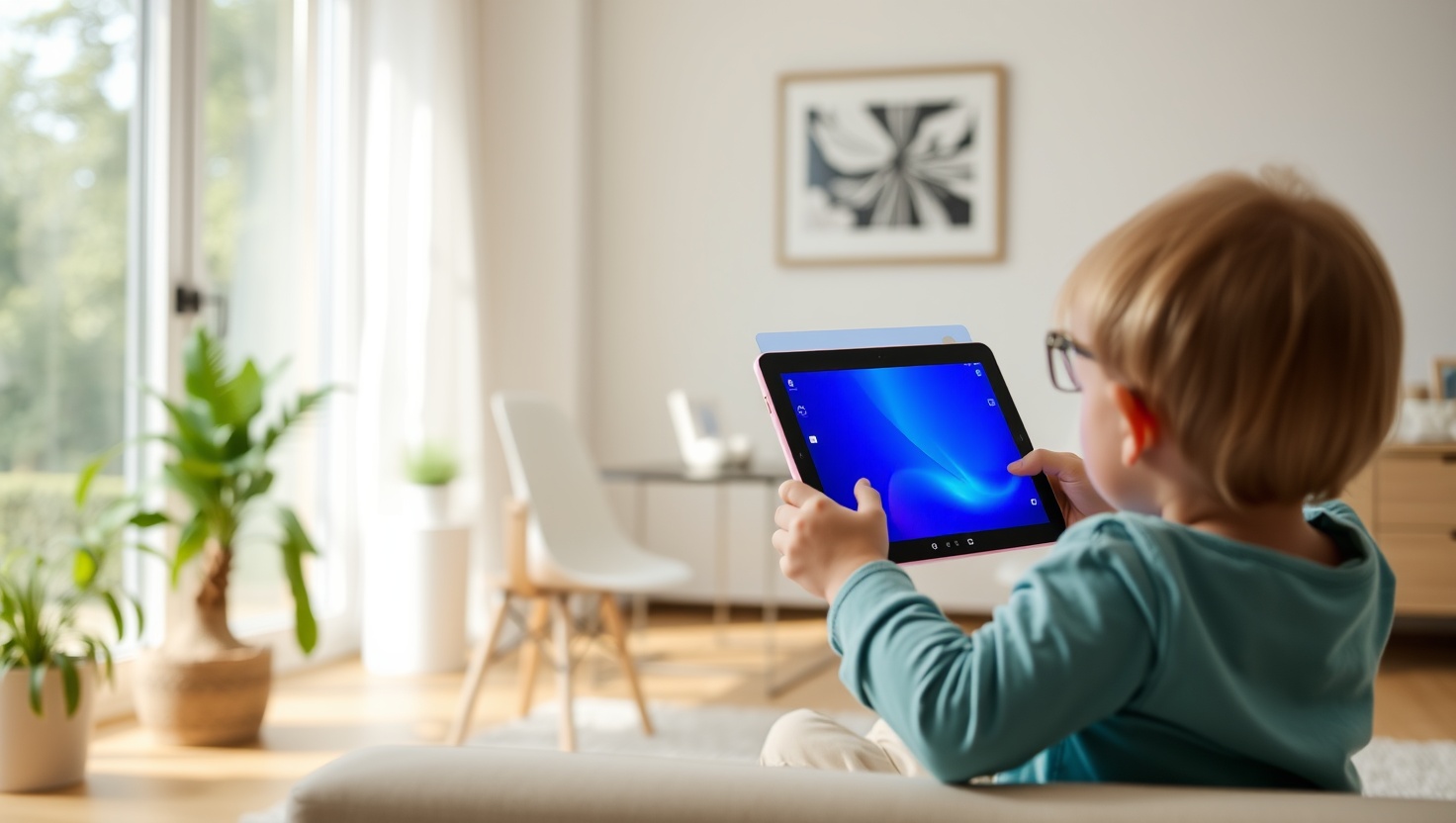
Your child's eyes are still developing until around age 25. Unlike adults, kids' lenses filter less blue light naturally — meaning more of it reaches their retinas during every homework session and YouTube binge. A screen protector is the simplest fix that works even when your kid won't wear glasses.
You don't need to become an optometrist to protect your child's eyes. You just need the right piece of film or glass on their device. After testing and researching the top options this year, here's exactly what works — and what to skip.
Key Takeaways
- Kids' eyes absorb significantly more blue light than adult eyes — the risk is real, not just hype
- Tempered glass protectors (like Ocushield and ZAGG) outperform plastic films in clarity and durability
- For laptops, flexible film protectors are the only practical option — and they work well
- Look for protectors that block blue light in the 400–450nm range without heavy yellow tint
- Screen protectors work best paired with Night Mode or Warm Color settings on the device
- Installation matters — a bubble-free apply takes 5 minutes with the right technique
Why Blue Light Actually Matters for Kids
Blue light sits in the 400–500nm range on the visible light spectrum — the high-energy, short-wavelength end. Screens emit a lot of it, particularly in the 400–450nm band that researchers flag as most potentially harmful to eye health over time.
Here's the thing most articles skip: kids' eyes are fundamentally different from adult eyes. The crystalline lens in a child's eye is much clearer and more transparent, which means it absorbs blue light poorly — sending more of it straight through to the retina. An 8-year-old absorbs significantly more blue light from the same screen than a 35-year-old parent sitting next to them.
The immediate effects are well-documented: digital eye strain, dry eyes, headaches, and difficulty focusing after long sessions. These symptoms are annoying for adults. For a kid doing three hours of homework and then watching videos before bed, they accumulate into chronic discomfort that interferes with learning and sleep.
The long-term picture is still being studied, but the evidence points toward cumulative retinal stress with prolonged high-dose exposure. Why wait for the research to be definitive when a $15–30 protector removes most of the risk?
Screen Protectors vs Blue Light Glasses — When to Use Each
You'll face this question at some point, so let's settle it. Screen protectors and blue light glasses both work — they just cover different scenarios.
Use a screen protector when:
- Your child is under 10 and won't consistently wear glasses
- The primary screen is a tablet or laptop (fixed, known surface)
- You want protection that works automatically without any compliance from your child
- Budget is a priority — one-time cost vs ongoing glasses purchases
Use blue light glasses when:
- Your teen uses multiple devices — phone, school computer, TV, library screens
- They're old enough to keep glasses on consistently
- You want comprehensive coverage across every screen they encounter
The smart move? Use both. Put a protector on the tablet and laptop (the devices they use the most), and get glasses for everything else.
How to Choose the Right Size
This is where people make expensive mistakes. Screen protectors are not universal — they're cut precisely for specific models. A protector labeled "iPad 10.9 inch" won't fit an iPad Pro 11 inch even though the numbers sound close, because the camera cutouts, edge curves, and aspect ratios differ.
Before you buy anything, grab the device and check:
- iPad: Go to Settings → General → About. Note the full model name (e.g., iPad Air 5th Generation, iPad 10th Generation)
- Laptop: Measure the screen diagonally in inches. Common sizes are 13.3", 14", 15.6", and 16". Measure from corner to corner of the actual screen, not the bezel
- Samsung/Amazon tablets: Note the full model number from the back of the device (e.g., Samsung Galaxy Tab A8)
The 5 Best Blue Light Screen Protectors for Kids in 2026
We evaluated these protectors on blue light filtration performance, image clarity, durability, ease of installation, and value. Here's what made the cut.
Ocushield is the brand that actually started with optometrists, not marketing teams. Their screen protectors are medically rated (Class 1 Medical Device in the UK) and carry independent certification for blue light blocking — not self-reported numbers. The filtration is tuned specifically for the 400–450nm band, which is the wavelength range that matters most for eye health.
For an iPad — which is often the primary homework and entertainment device for kids aged 6–14 — this is the one to get. The tempered glass feels premium, touch sensitivity is unaffected, and the image stays true to the original display without the yellow tinge you get from bargain protectors.
Pros
- Medically certified blue light blocking — not just a marketing claim
- Tempered glass durability with excellent touch sensitivity
- Minimal color distortion — images look natural
Cons
- Higher price than plastic film alternatives
- Must order the exact iPad model — no universal sizing
ZAGG is the name that screen protector enthusiasts trust, and the Glass Elite Blue Light edition brings their best technology to the eye-protection category. The antimicrobial glass surface is a nice bonus for a tablet that gets handled by kids with snack hands all day, but the real draw is the combination of scratch resistance and blue light filtration in one premium package.
The lifetime replacement guarantee gives this a strong value argument over time — if it scratches or breaks, ZAGG replaces it. For a clumsy 9-year-old, that guarantee is worth something real.
Pros
- Lifetime replacement guarantee — the best warranty in the category
- Antimicrobial surface keeps the screen cleaner between wipes
- Ultra-clear tempered glass with excellent impact resistance
Cons
- Priciest option in this roundup at $30
- Blue light filtering is solid but not independently medically certified like Ocushield
Laptops are trickier than tablets — you can't use tempered glass on a folding screen, so flexible film is the only option. Forito gets this right. The anti-blue light film is paired with an anti-glare matte surface, which is actually a bigger win for homework than blue light filtering alone: kids studying near windows deal with horrible glare that strains eyes just as much as blue light does.
Installation uses a simple clip system that attaches to the top bezel — no adhesive that could damage the screen or leave residue. At $15, it's an easy decision for any parent with a kid doing homework on a Windows laptop.
Pros
- Anti-glare matte finish reduces eye strain from ambient light
- Non-adhesive clip installation — safe for any laptop screen
- Excellent price-to-performance ratio at $15
Cons
- Matte finish slightly softens image sharpness — not ideal for art or video editing
- Clips may not fit all ultra-thin bezel laptop designs
The MOSISO filter is the pick for parents who want to try blue light protection without committing $25–30 to the experiment. It covers standard laptop sizes and attaches with removable adhesive strips — easy to move between devices if needed. The blue light filtering is solid for the price, though you'll notice the image quality drop compared to premium glass options.
Think of MOSISO as the "try before you upgrade" option. It works, it's cheap, and if your kid loses it or you want to test whether they actually benefit from blue light filtering before investing in a premium piece of glass, this is the right starting point.
Pros
- Lowest price in the roundup at $12 — accessible for every budget
- Removable and repositionable — works on multiple devices
- Anti-UV coating included alongside blue light filtering
Cons
- Noticeable image softening compared to premium options
- Adhesive strips may leave residue on some laptop bezels over time
EyeJust targets the wellness-focused parent market and backs it up with third-party testing from labs that measure actual blue light filtering performance — not just a label on a box. The brand has made a name for itself particularly in the iPhone and smaller device category, making it a great pick if your kid's primary device is a phone or smaller tablet like a Kindle Fire.
The clarity is impressive — EyeJust's tempered glass keeps colors accurate while still blocking blue light in the critical wavelength range. If your teenager's biggest screen is their phone (and let's be honest, it probably is), this is the protector to put on it.
Pros
- Third-party tested and certified — independent verification of claims
- Excellent color accuracy for a blue light filtering protector
- Strong brand reputation in the wellness community with real reviews
Cons
- Smaller device focus — fewer options for larger iPads and laptops
- Slightly harder to find in physical stores vs Amazon alternatives
Quick Comparison: All 5 Protectors at a Glance
| Protector | Price | Type | Anti-Glare | Certified | Best For |
|---|---|---|---|---|---|
| Ocushield | $25 | Tempered Glass | ✓ | Medical | iPad (primary pick) |
| ZAGG Glass Elite | $30 | Tempered Glass | ✓ | No | iPad (lifetime guarantee) |
| Forito | $15 | Film | ✓ | No | 15.6" laptops |
| MOSISO | $12 | Film | ✓ | No | Budget / first try |
| EyeJust | $20 | Tempered Glass | No | 3rd party | Phones & small tablets |
Anti-Glare vs Privacy vs Tempered Glass — What's the Difference?
The screen protector market throws a lot of terms at you. Here's a plain-English breakdown of what actually matters when buying for a child:
Tempered Glass
Harder, more durable, better touch sensitivity, clearer image quality. This is what you want for tablets and phones. The main downside is price — and the fact that it can't be used on folding laptop screens. When a protector says "tempered glass," it means it will feel like the device's original screen and provide real drop protection for the display surface.
Anti-Glare Film
Flexible film with a matte coating that scatters ambient light. This is the standard for laptop protectors. The matte finish slightly softens the image, but the reduction in glare — especially in bright classrooms — can reduce eye strain significantly. For kids doing homework in variable lighting, anti-glare often matters more than pure blue light filtering.
Privacy Screen
These use a micro-louver filter that restricts the viewing angle to roughly 60 degrees. They're popular for adults working in public spaces. For kids? Generally not worth it — the image dimming and narrowed viewing angle are annoying for games, videos, and homework. Skip these unless your child specifically works in public places with sensitive content on screen.
Installation Tips for a Bubble-Free Apply
A crooked or bubbly install ruins an otherwise good protector. Here's the technique that works consistently:
- Clean in the right order. Most protectors include three cleaning tools: a dry microfiber cloth, an alcohol wipe, and a dust-removal sticker. Use them in that sequence — dust off, clean with alcohol, remove lint with the sticker.
- Do it in a low-dust environment. Bathrooms right after a shower work well — steam settles dust. Kitchens and living rooms are the worst environments.
- Peel halfway, align first. Peel the backing halfway and position the protector before committing. Line up camera cutouts and home button holes before you lower the second half.
- Squeeze from center outward. Use the included squeegee or a credit card wrapped in microfiber. Push air bubbles toward the nearest edge in slow, firm strokes.
- Small bubbles disappear. Under tempered glass, tiny air bubbles usually vanish within 24–48 hours as the adhesive settles. Don't panic and peel it off immediately.
Pairing Screen Protectors with Screen Time Limits
A blue light screen protector reduces the harm from each hour of screen time. Screen time limits reduce how many harmful hours accumulate. You need both — and they work better together than either does alone.
The American Academy of Pediatrics recommends no more than 1–2 hours of recreational screen time per day for children ages 6–18 (homework time separate). Most kids blow past that without any friction. Combining a protector with a parental control app gives you passive eye protection plus active time management.
The combination that works best: Ocushield or ZAGG on the tablet + Bark or Qustodio managing screen time from the network level. The protector handles the eye health piece automatically. The parental control app handles the time and content piece. Neither requires your child to do anything differently — which is why both strategies actually stick.
Our Top Recommendation
For most families, the decision is simple: Ocushield for the iPad (the most used device for most kids) and Forito for any homework laptop. That combination covers your child's primary screens for under $40 total — a one-time purchase that protects eyes for 1–2 years before replacement is needed.
If your child is a teenager who primarily uses a phone, swap the Ocushield for the EyeJust on their phone model. And if you're not sure whether any of this makes a difference, start with the $12 MOSISO — prove it to yourself before upgrading.
Your kid's eyes will thank you 20 years from now, even if they won't thank you today.
Frequently Asked Questions
Do blue light screen protectors actually work?
Yes — quality blue light screen protectors filter between 30% and 50% of high-energy blue light in the 400–450nm range. They won't eliminate all blue light exposure (that is impossible without making the screen unwatchable), but they meaningfully reduce the amount hitting your child's retinas during long sessions. Combined with warm color settings on the device itself, they make a real difference in reducing eye strain and improving sleep quality.
What size screen protector do I need for an iPad?
iPad models vary significantly. The standard iPad (10th gen) has a 10.9-inch screen, iPad Air is 11 or 13 inches, and iPad Pro comes in 11 or 13 inches. Always check your specific model number by going to Settings → General → About, then match it to the protector's compatibility list before buying. Getting the model wrong is the most common reason screen protectors don't fit — and most aren't returnable once peeled.
Blue light glasses vs screen protector — which is better for kids?
Screen protectors win for younger kids who won't keep glasses on. Blue light glasses are better for teens who also use multiple devices — phones, TVs, classroom smartboards — since one pair covers everything. Ideally, use both. The protector handles the tablet or laptop; glasses cover everything else. If budget forces a choice, start with the screen protector on the device your child uses most.
Can blue light screen protectors cause yellow or orange tint?
Cheaper protectors can produce a noticeable yellow tint that distorts colors and looks ugly — especially on videos and artwork. Premium options like Ocushield and ZAGG use AR (anti-reflective) coating technology that minimizes tint while still blocking harmful wavelengths. Look for protectors that specify "minimal color distortion" or "true color" in their specs. Reading user reviews specifically about color quality is the best way to verify this before buying.
How do I install a screen protector without bubbles?
Clean the screen with the included microfiber cloth, then the alcohol wipe, then the lint-free cloth — in that order. Turn off lights and do it in a room with minimal dust (a steamy bathroom works well). Peel the backing halfway, align from one edge, then slowly lower the rest. Use the included squeegee card to push bubbles toward the edges in firm, smooth strokes. Small bubbles under tempered glass usually disappear within 24–48 hours as the adhesive bonds properly.