
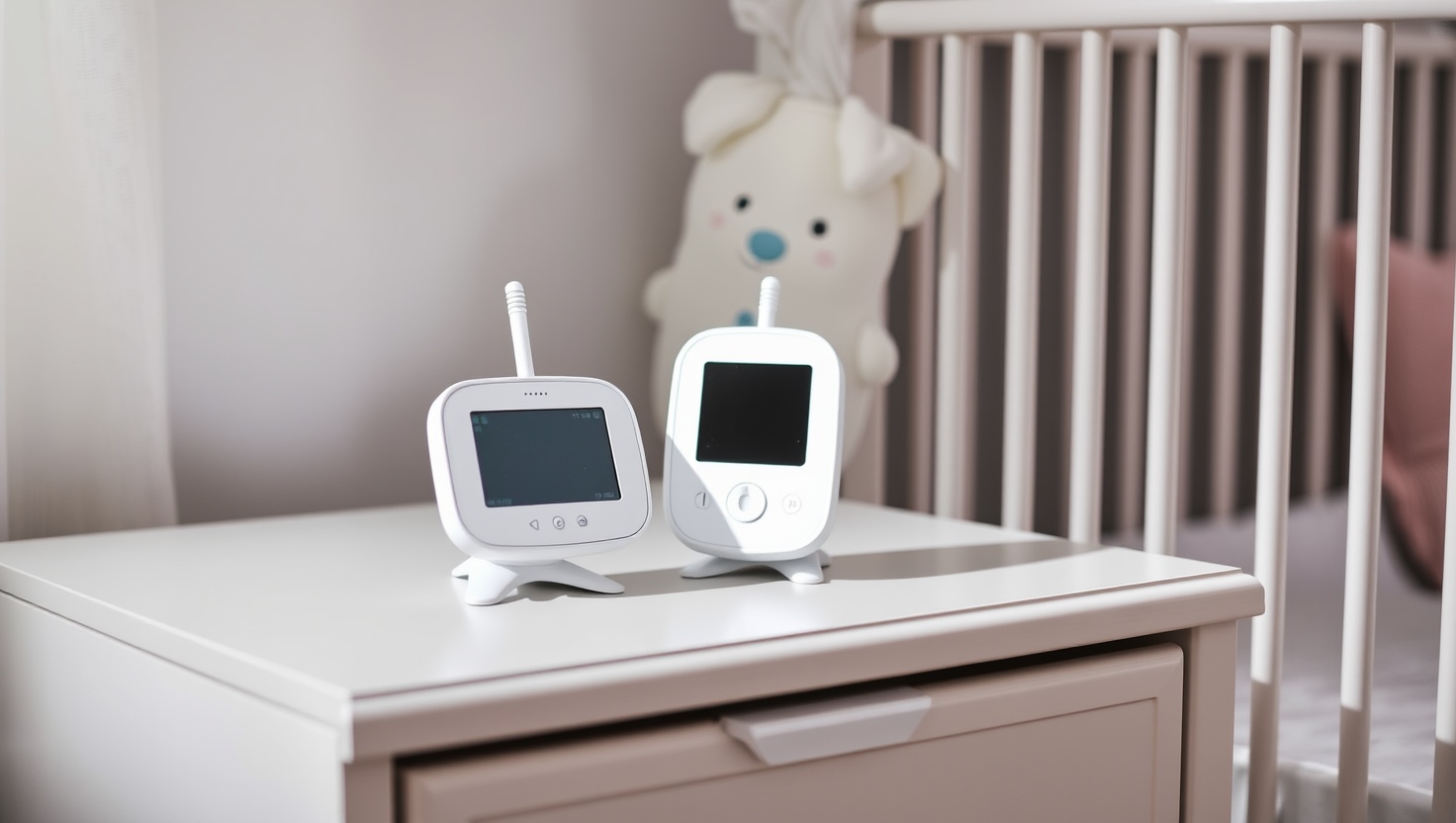
You already buy diapers, wipes, and formula. The last thing you need is a baby monitor that charges you every single month just to watch your own child sleep.
Infant Optics DXR-8 Pro — Top Pick
It nails the trifecta parents actually want: crisp image, real privacy, and zero fees. The non-WiFi signal removes hacking worries, the interchangeable lenses give you views no rival matches at this price, and the range covers most homes. Buy it once and you are done.
In a hurry? That's our pick. Want the reasoning and the full comparison? Keep reading.
Here is the trap so many new parents fall into. You buy a slick WiFi camera, set it up, and everything works beautifully for a week. Then a message pops up: your "premium" features, motion alerts, and recordings are locked behind a monthly plan. Suddenly your one-time purchase is a forever bill, and you feel a little cheated.
You do not have to play that game. A whole category of excellent baby monitors charges you nothing beyond the price on the box. No monthly fees, no paywalls, and in many cases no app that a stranger could ever hack. This guide walks you through non-WiFi versus hybrid monitors, range, battery life, and privacy, then hands you four honest picks so you can choose with confidence and get back to the good part: rest.
Key Takeaways
- A no-subscription monitor is a one-time buy: you pay once and never see a recurring fee.
- Non-WiFi monitors use a private, closed radio signal, so there is no app and no remote hacking risk.
- Hybrid monitors give you a dedicated parent screen plus an optional app, with free local recording and no cloud fees.
- Watch the specs that matter for real life: range through walls, parent-unit battery life, and screen size.
- Subscription-locked WiFi cameras can hide alerts and recordings behind a paywall, so read the fine print before you buy.
Non-WiFi vs Hybrid: Which Type Fits Your Family
A non-WiFi monitor is the classic setup: a camera talks to a dedicated handheld screen over a private, encrypted radio signal. Nothing touches the internet, so there is no app to log into and no account for anyone to break into. You turn it on, it just works, and it keeps working during an internet outage or a router reboot. For parents who want the simplest, most private option, this is the sweet spot.
A hybrid monitor gives you the best of both worlds. You still get a dedicated parent screen that runs on its own signal, but you can also open an optional app when you want to peek from the office or on the road. The key with a good hybrid is that recording stays local and free, so you get flexibility without a monthly bill. If you travel or work away from home and want a glance now and then, hybrid earns its keep.
The type to approach carefully is the app-only WiFi camera that leans on a subscription. These often lock motion alerts, night history, and saved clips behind a plan, and the whole thing depends on your home internet staying up. That is not automatically bad, but if you hate recurring fees, it is exactly what you are trying to avoid.
The Specs That Actually Matter (And the Ones That Do Not)
Range is the first thing to check, and the honest number is not the one on the box. Manufacturers quote open-field range, but your house has walls, floors, and appliances. A monitor rated for 1,000 feet outdoors might comfortably cover a two-story home, which is what you actually care about. If you have a large home or a detached room, prioritize a model with a strong reputation for holding signal through walls.
Battery life on the parent unit decides whether you are tethered to a charger all night. Look for a screen that can dim or switch to audio-only mode, which stretches a charge from a couple of hours to a full night. Screen size matters for tired eyes at 3 a.m., and a pan-tilt-zoom camera lets you follow a roaming toddler without buying a second unit.
Skip the features dressed up as essentials. You do not need cloud storage you pay for monthly, and you do not need so-called wellness tracking that makes clinical-sounding promises. A baby monitor is a camera and a speaker that help you see and hear your child. Buy one that does that job reliably, privately, and once.
Quick Comparison
| Product | Best For | Type | Price | Fees |
|---|---|---|---|---|
| Infant Optics DXR-8 Pro | Best overall | Non-WiFi | ~$200 | None ever |
| Eufy Baby Monitor E21 4K | Best hybrid | Hybrid | ~$180-260 | None ever |
| VTech VM819 | Best budget | Non-WiFi | ~$48 | None ever |
| VTech Advanced HQ Max | Best non-WiFi mid | Non-WiFi | ~$90 | None ever |
1. DXR-8 Pro — Best Overall No-Subscription Monitor
Infant Optics DXR-8 Pro
The Infant Optics DXR-8 Pro is the monitor we point most parents toward, and the reason is simple: it does everything right and asks nothing of you afterward. Because it runs on a private, non-WiFi signal, there is no app to secure, no account to protect, and no realistic path for a stranger to peek into your nursery. You get a crisp dedicated screen, reliable range that covers a typical two-story home, and pan-tilt-zoom control from the parent unit.
The lens system is the feature that quietly wins people over. You can swap in a wide-angle lens to see the whole room or a zoom lens to watch a face up close, which almost no other monitor at this price offers. It costs around $200, and that is the entire cost. No plan, no premium tier, no surprise message six months in. If you want one monitor that balances image quality, privacy, and true zero fees, this is it.
Pros
- Non-WiFi design means no app and no remote hacking risk
- Interchangeable lenses for wide-angle or close-up views
- Reliable range covers most two-story homes
- Pan, tilt, and zoom straight from the parent unit
- Zero fees for the life of the device
Cons
- Higher upfront price than basic models
- Extra lenses are sold separately
- No optional app for out-of-home viewing
2. Eufy E21 — Best Hybrid Monitor
Eufy Baby Monitor E21 4K
If you want the security of a dedicated parent screen but also like the idea of checking in from your phone, the Eufy Baby Monitor E21 4K is the smart hybrid. You get a sharp 4K camera, a proper handheld unit that runs on its own signal, and an optional app for the times you are away from home. The part that matters most for your wallet: recording is stored locally and stays free, so there is no cloud subscription hovering over you.
It typically runs between $180 and $260 depending on the bundle, which puts it in step with premium WiFi cameras, except you skip their monthly bills entirely. The 4K sensor gives you room to zoom in digitally without turning the image to mush, and the dual approach means a router hiccup does not leave you blind, since the parent unit keeps working on its own. For parents who travel or work away and want flexibility without fees, this is the one to beat.
Pros
- Dedicated parent unit plus optional phone app
- Sharp 4K camera with room to zoom
- Free local recording with no cloud fees
- Parent unit keeps working if WiFi drops
- No subscription required for any feature
Cons
- Price climbs toward premium territory in some bundles
- App use depends on your home internet
- More features to set up than a plug-and-play unit
3. VTech VM819 — Best Budget Monitor
VTech VM819
Not every family needs lenses and 4K, and the VTech VM819 proves you can get real peace of mind for around $48. It is a straightforward non-WiFi monitor: a camera, a parent screen, and a private signal between them. There is no app, no account, and no subscription, so a first-time parent on a tight budget gets the two things that matter most, a clear view and a private connection, without the extras or the ongoing cost.
You are trading away frills like interchangeable lenses and app access, and that is a fair deal at this price. What you keep is the core promise of a no-subscription monitor: buy it once, use it for years, pay nothing more. For a second nursery, a grandparent's house, or a family counting every dollar, the VM819 is the easy, honest recommendation.
Pros
- Very affordable at around $48
- Non-WiFi signal keeps it private with no app
- Simple plug-and-play setup
- No fees or subscriptions ever
- Great as a second unit or backup
Cons
- No interchangeable lenses or 4K
- No optional app for remote viewing
- Smaller screen than premium models
4. HQ Max — Best Non-WiFi Mid-Range
VTech Advanced HQ Max
The VTech Advanced HQ Max sits in the sweet spot between budget and premium. At around $90, it keeps the fully private non-WiFi design but adds the touches that make late nights easier: a bigger, clearer screen and motion detection that flags movement in the crib so you are not staring at the display all night. It is the pick for parents who want more than the basics but still refuse to pay a monthly fee.
Because it never touches the internet, you get the same hacking-proof privacy as the entry-level VTech, just with a more comfortable experience. The larger screen is genuinely easier on tired eyes, and the motion alerts mean you can glance over only when something changes. If the top pick is a stretch but the budget model feels too bare, the HQ Max is the balanced middle you are looking for.
Pros
- Non-WiFi design with no app and no hacking risk
- Larger, easier-to-read parent screen
- Motion detection flags movement in the crib
- Solid mid-range value around $90
- No fees or subscriptions ever
Cons
- No optional app for viewing away from home
- No interchangeable lenses
- Costs more than the entry-level VTech
Which Should You Choose?
You want maximum privacy and the best all-round view
Go with the Infant Optics DXR-8 Pro. The non-WiFi signal means there is no app to hack, the lens system lets you switch between wide and close-up views, and the range covers most two-story homes. It costs more upfront, but you pay once and never again.
You travel and want to peek from your phone
Choose the Eufy Baby Monitor E21 4K. You get a dedicated parent unit for reliability plus an optional app for those away-from-home moments, and recording stays local and free. It is the flexible hybrid that still refuses to charge you monthly.
You are on a tight budget or need a second unit
The VTech VM819 gives you a clear, private, non-WiFi view for around $48. If you want a bit more, like a larger screen and motion detection, step up to the VTech Advanced HQ Max at around $90. Both keep the no-subscription promise.
Ready to Watch Your Baby Without a Monthly Bill?
You deserve peace of mind that does not renew every 30 days. The Infant Optics DXR-8 Pro gives you a private, no-WiFi view with zero fees, or pick the flexible Eufy E21 hybrid if you want an optional app. Either way, you pay once and rest easy.
Explore Brainstamped's Free ToolsFrequently Asked Questions
Yes. A no-subscription monitor gives you the core features, a clear view and a private connection, for a single upfront price. You avoid the recurring fees that many WiFi cameras charge, and non-WiFi models add strong privacy on top because they never connect to the internet.
A non-WiFi monitor uses a private, closed radio signal between the camera and a dedicated parent screen, with no app and no internet connection. A hybrid keeps that dedicated screen but adds an optional app so you can also view from your phone, usually with free local recording and no cloud fees.
Non-WiFi monitors are far harder to reach because they never connect to the internet and have no app or account. There is no remote login for a stranger to target, which is why many parents choose non-WiFi models like the Infant Optics DXR-8 Pro for privacy peace of mind.
Focus on real-world, through-wall performance rather than the open-field number on the box. A monitor with a strong reputation for holding signal will comfortably cover a typical two-story home. If you have a large or detached space, prioritize range when you compare models.
No. Every monitor in this guide is a one-time purchase with no subscription. The Infant Optics DXR-8 Pro, Eufy E21, VTech VM819, and VTech Advanced HQ Max all deliver their features, including local recording where offered, without any recurring cost.